The AI-Native CEO Stack: 12 Tools I Use Every Day to Think, Build, Communicate, and Execute Faster in 2026
In 2026, Nakama CEO Yash runs a 12-tool AI-native stack to think, build, communicate, and execute. Claude and ChatGPT handle thinking, Cursor turns ideas into products, and Notion, Superhuman, and Granola keep company memory and communication moving.
Yash
There was a time when being a CEO meant having access to the right people, the right information, and enough time to think.
Today, all three are constantly under pressure.
The number of decisions a founder has to make has increased dramatically. There are customer conversations, product decisions, strategy discussions, hiring questions, market research, writing, documentation, meetings, and hundreds of small operational choices that quietly consume attention.
The challenge is no longer access to information.
The challenge is turning information into decisions.
Over the last few years, I have experimented with dozens of tools trying to solve a simple question:
How do I build a personal operating system that helps me think better, move faster, and keep my attention focused on the things that actually matter?
The answer was not one magical AI tool.
It was a combination.
A stack.
A collection of tools where each one has a specific role.
Some help me think. Some help me build. Some help me communicate. Some help me remember.
This is the AI-native CEO stack I currently use.
Not because these are the only great tools available, but because each one has earned a place in my daily workflow.
What Does an AI-Native CEO Stack Mean?
An AI-native CEO stack is not simply a list of AI apps.
It is a system where artificial intelligence becomes part of the way you:
- Research ideas
- Make decisions
- Create content
- Build products
- Communicate with teams
- Capture knowledge
- Organize information
The biggest shift is moving from using software as a place where work happens to using software as a partner in the thinking process.
The tools do not replace judgment.
They reduce friction.
My AI-Native Workflow
Before looking at individual tools, this is how the stack works together.
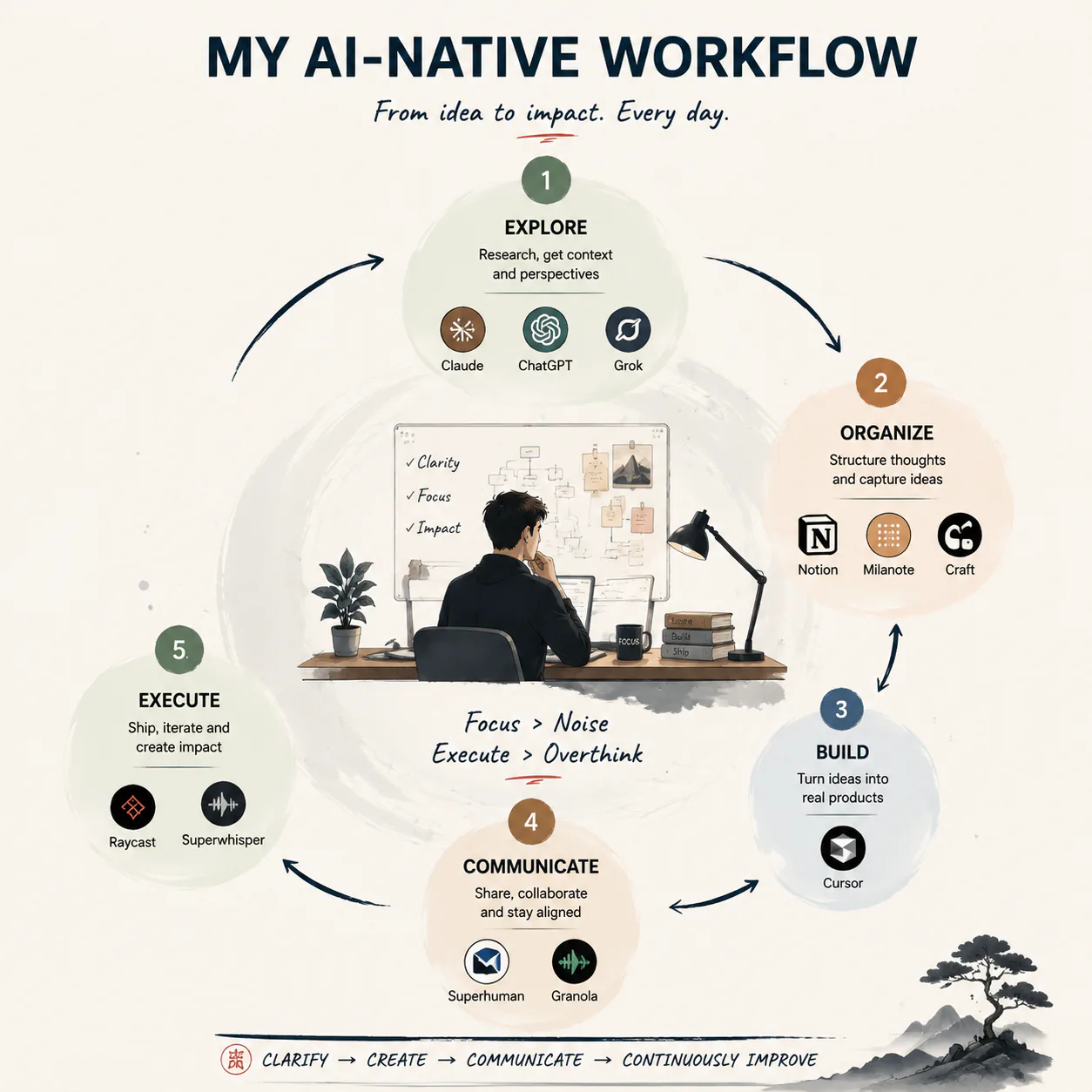
Five-step loop: Explore, Organise, Build, Communicate, Execute.
Each tool has a job. The mistake many people make is collecting tools without creating a workflow.
1. Claude: My Deep Thinking Partner
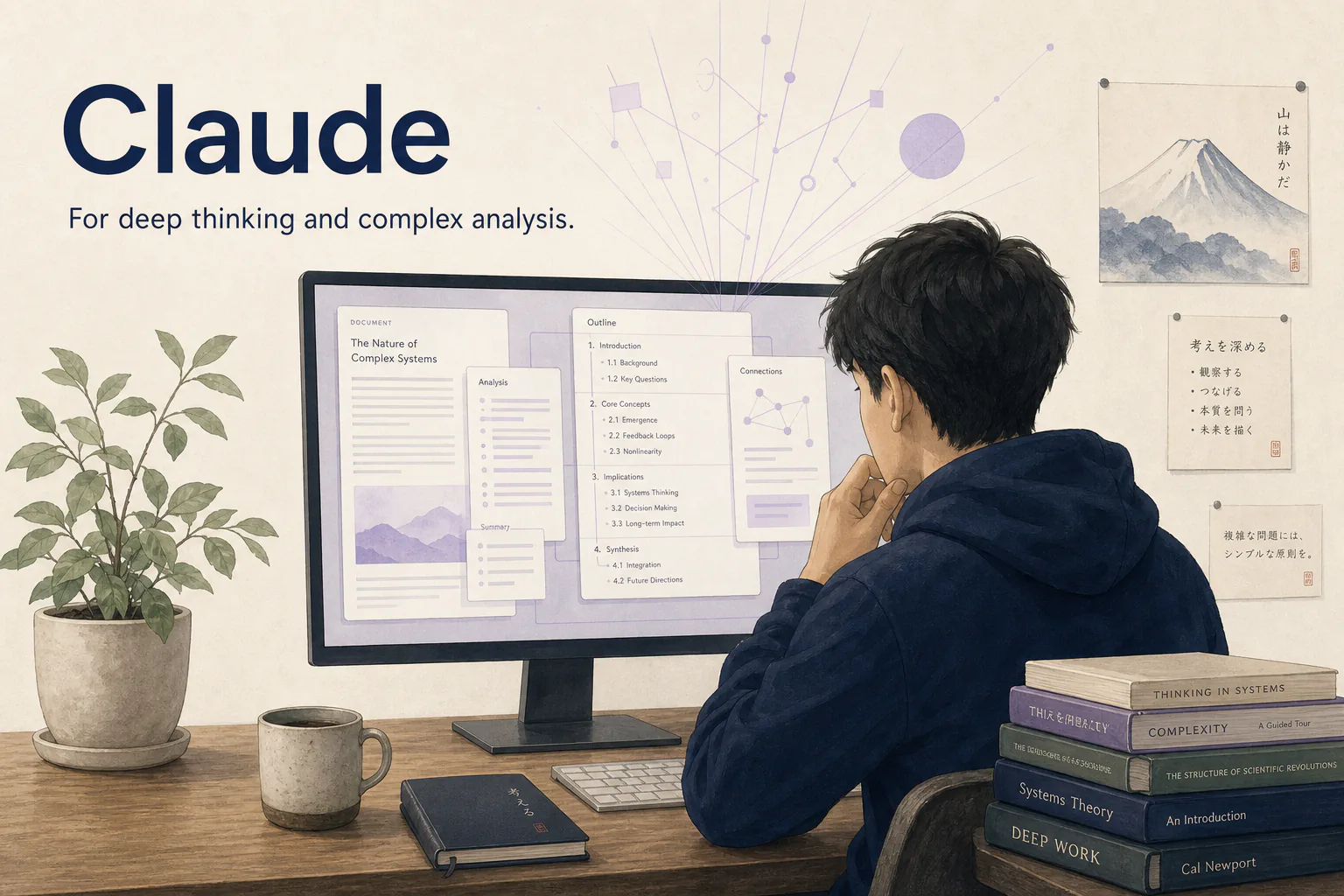
Claude for deep thinking and long-context analysis.
Claude is the tool I often turn to when I need structured thinking.
Not necessarily quick answers.
Deep thinking.
When I am exploring a complex decision, reviewing a large document, or trying to understand a complicated topic, Claude is useful because it handles long context extremely well.
I use it for:
- Breaking down complex ideas
- Reviewing strategies
- Analyzing documents
- Exploring different viewpoints
- Creating structured plans
The biggest value is not that it gives answers.
The value is that it helps me think through problems.
A good AI assistant should not only tell you what to do.
It should help you understand why.
Where Claude is less useful
It is not always the fastest tool for quick brainstorming or simple questions.
That is where other tools come in.
2. ChatGPT: The Everyday Problem Solver
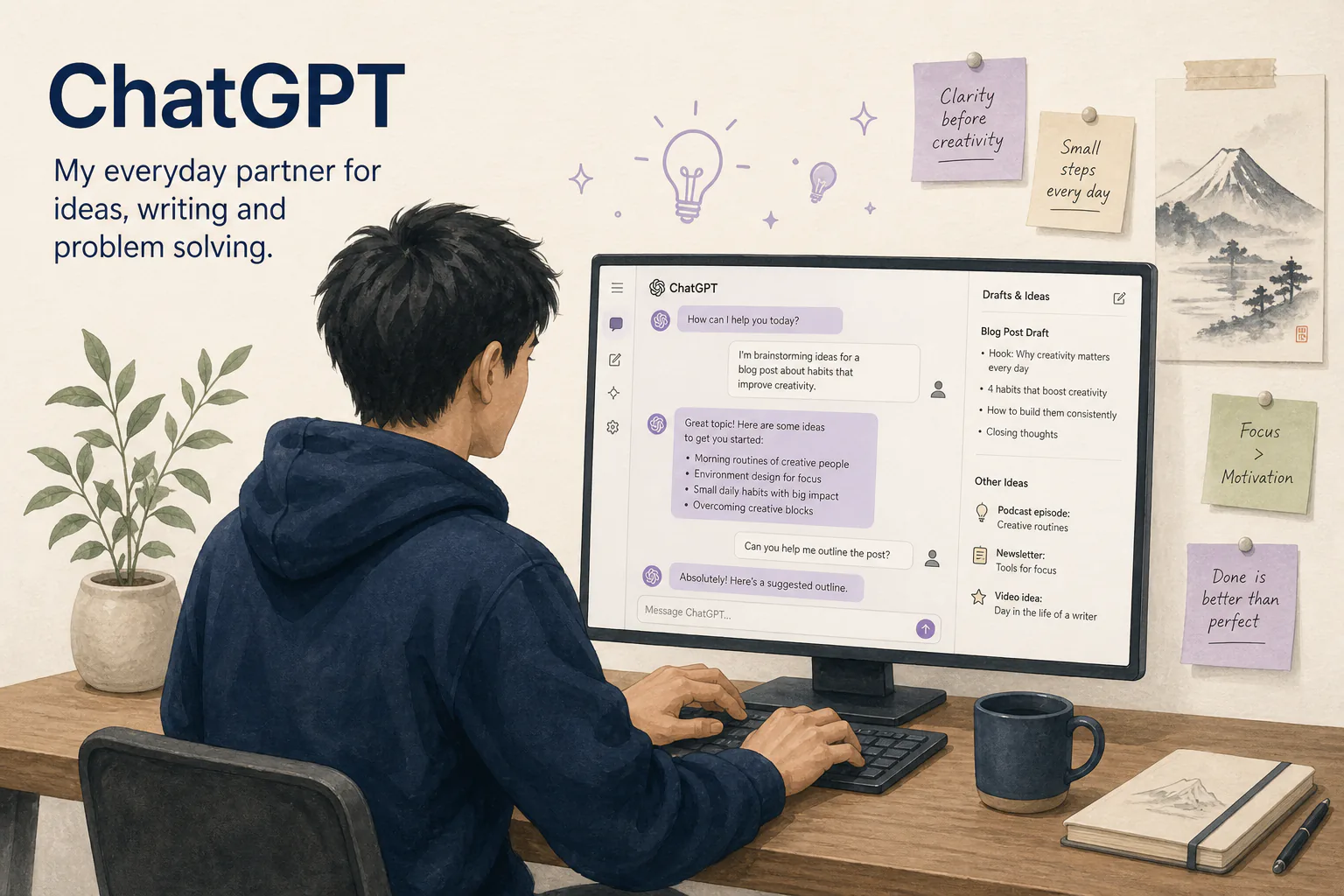
ChatGPT for everyday speed, from idea to first draft.
ChatGPT is probably the most versatile tool in my workflow.
It is the tool I use when I need to quickly move from an idea to something tangible.
Examples:
- Turning rough thoughts into frameworks
- Brainstorming ideas
- Creating first drafts
- Exploring markets
- Simplifying complex concepts
- Reviewing decisions
The reason it stays in my stack is simple:
Speed.
Not every problem requires deep analysis.
Sometimes you need a thinking partner that helps you move from zero to one quickly.
3. Grok: A Different Perspective
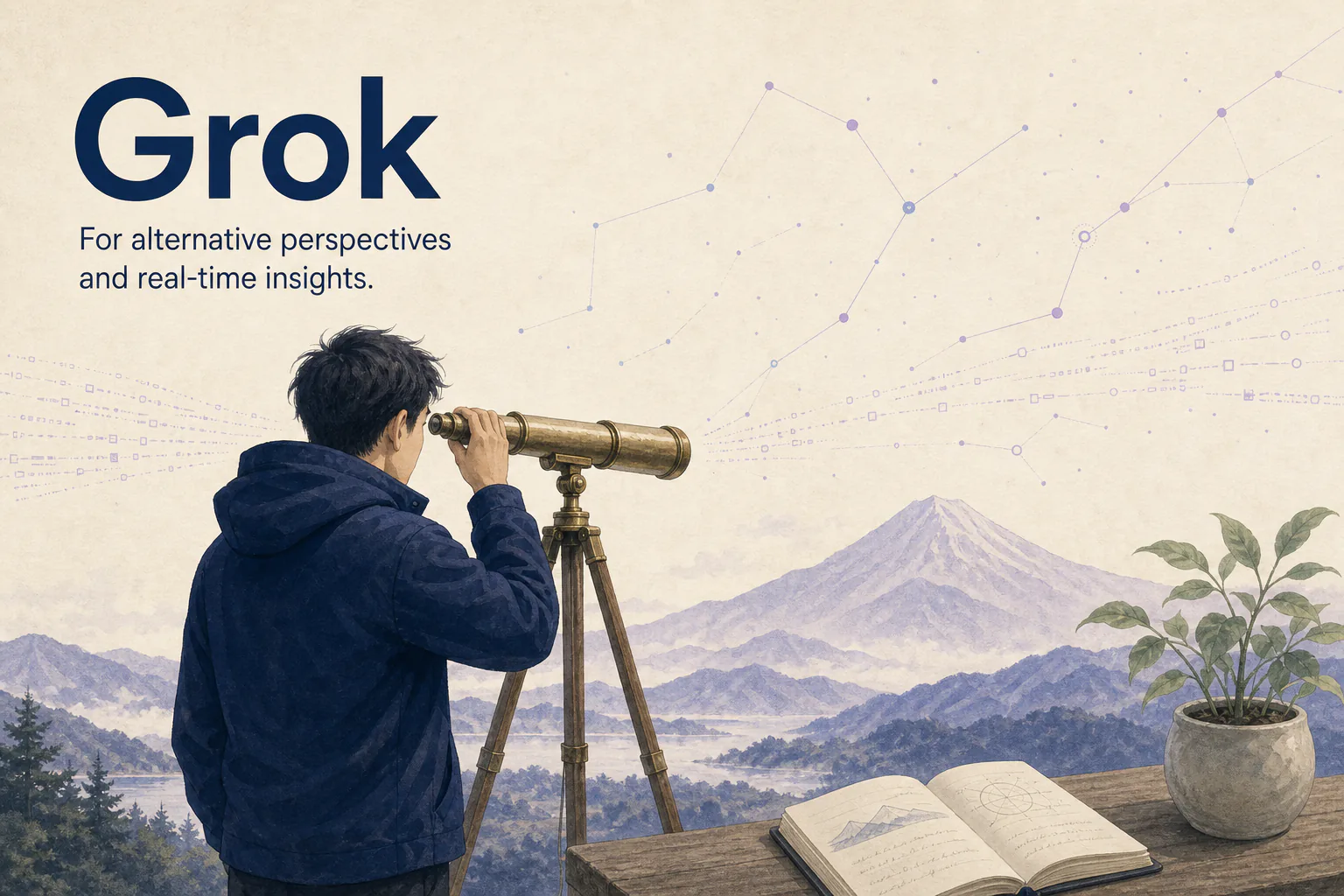
Grok when a second perspective is useful.
One thing I have learned from working with AI tools is that different models often approach problems differently.
Grok is useful when I want another perspective.
I use it for:
- Exploring current conversations
- Getting alternative viewpoints
- Looking at ideas from a different angle
Sometimes the best insight does not come from the first answer.
It comes from comparing different perspectives.
4. Cursor: Where Ideas Become Reality
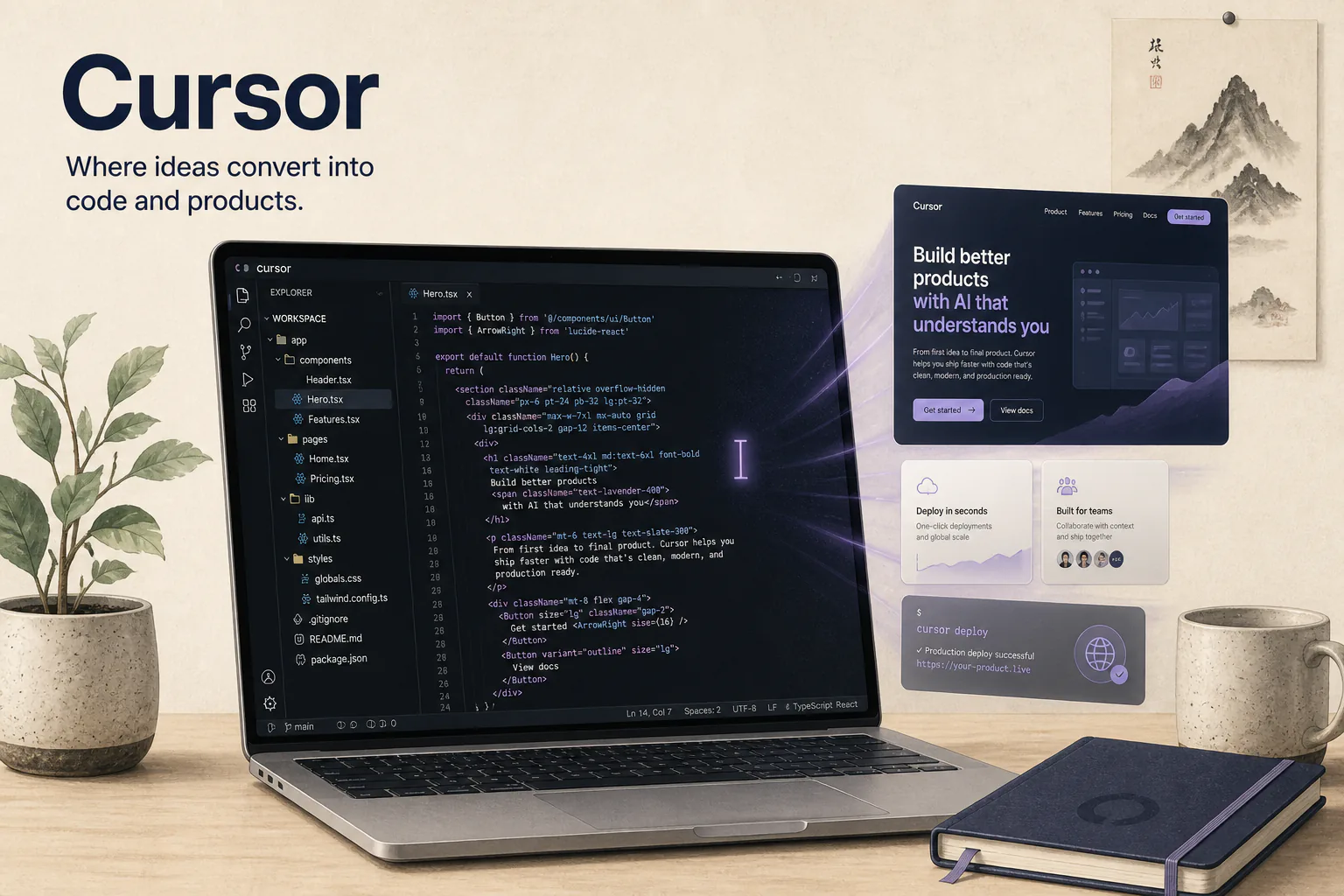
Cursor, where ideas become working products.
The gap between thinking and building has become much smaller.
Cursor is one of the tools that represents this change.
For someone building products, websites, experiments, or internal systems, the ability to work alongside AI inside the coding environment changes the development process.
I use Cursor for:
- Writing code faster
- Understanding unfamiliar codebases
- Debugging
- Prototyping ideas
- Iterating quickly
The important shift is not that AI writes code.
The important shift is that the cost of experimentation has dropped.
Ideas that previously required weeks can now be tested much faster.
5. Notion: The Company Memory Layer
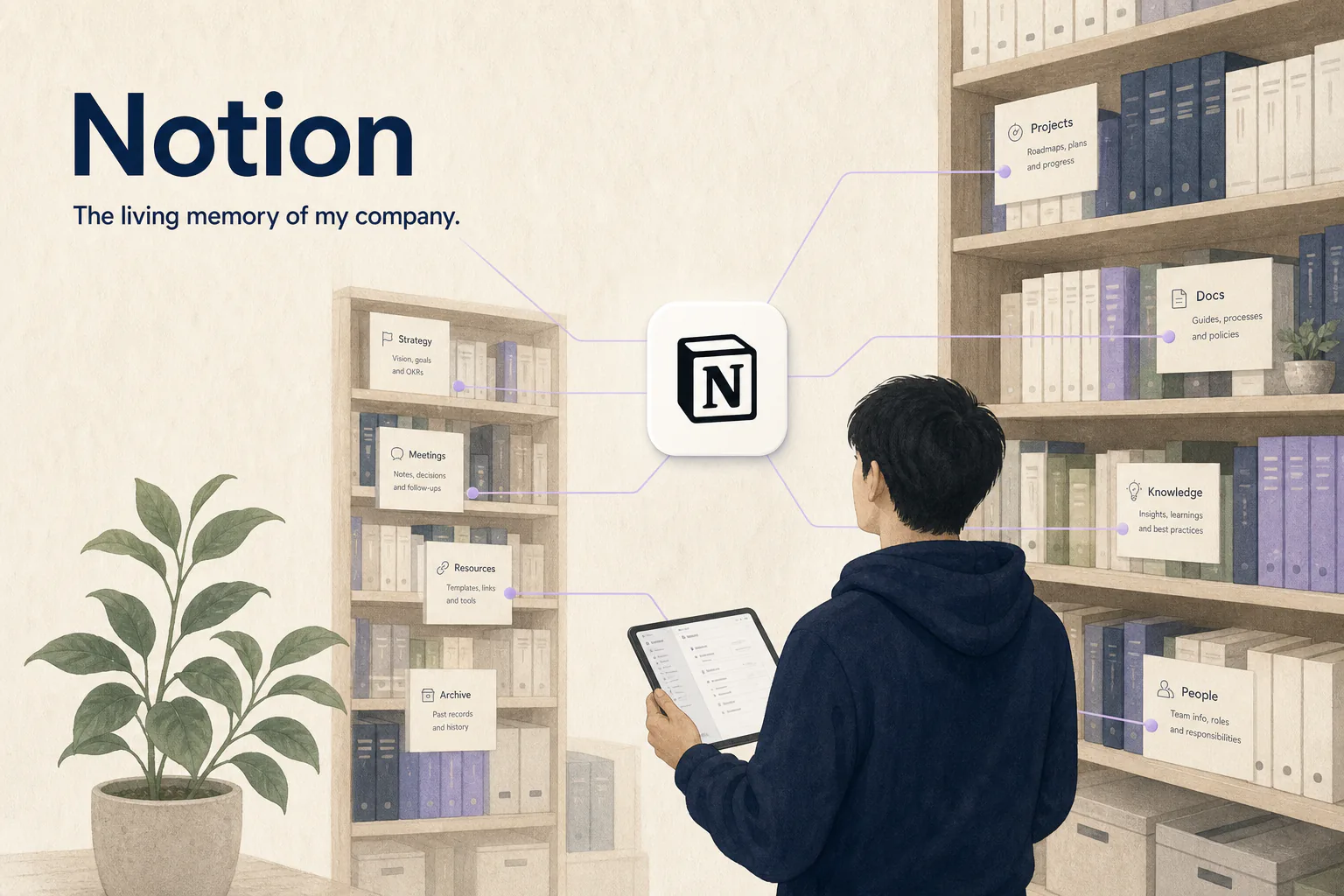
Notion as the company memory layer.
Every company creates knowledge.
The problem is that knowledge disappears.
Important decisions get buried in meetings. Ideas get lost in conversations. Processes exist only inside someone's head.
Notion acts as a memory layer.
I use it for:
- Documentation
- Strategy notes
- Project planning
- Knowledge management
- Content systems
The future of productivity is not just creating more information.
It is creating systems where information remains useful.
6. Superhuman: The Communication Engine
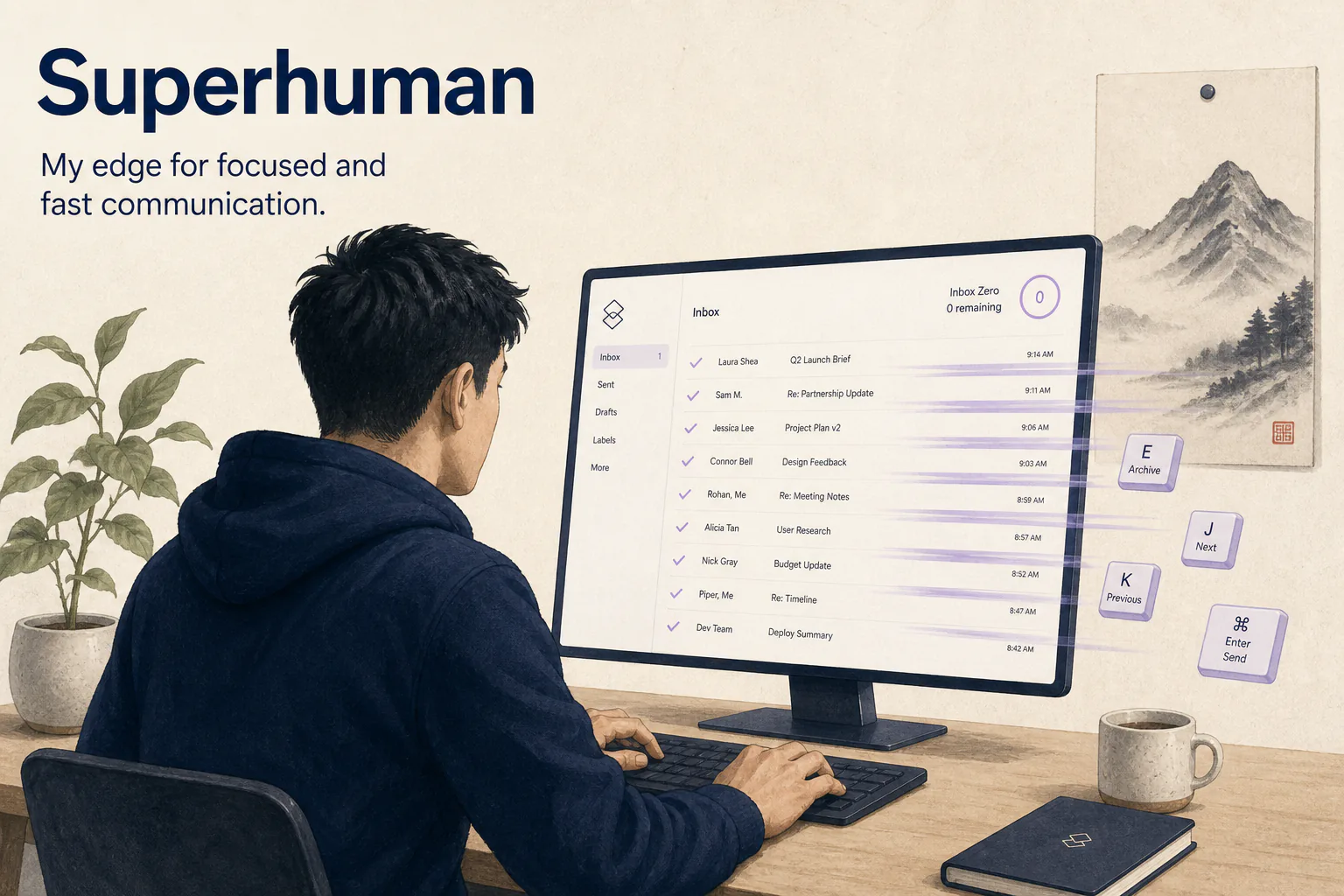
Superhuman, so email does not run the day.
Email is still one of the biggest time consumers for executives.
Superhuman helps reduce that friction.
I use it for:
- Managing communication faster
- Prioritizing important conversations
- Maintaining inbox discipline
The goal is not to answer every email immediately.
The goal is to make sure communication does not control your entire day.
7. Granola: Turning Meetings Into Knowledge
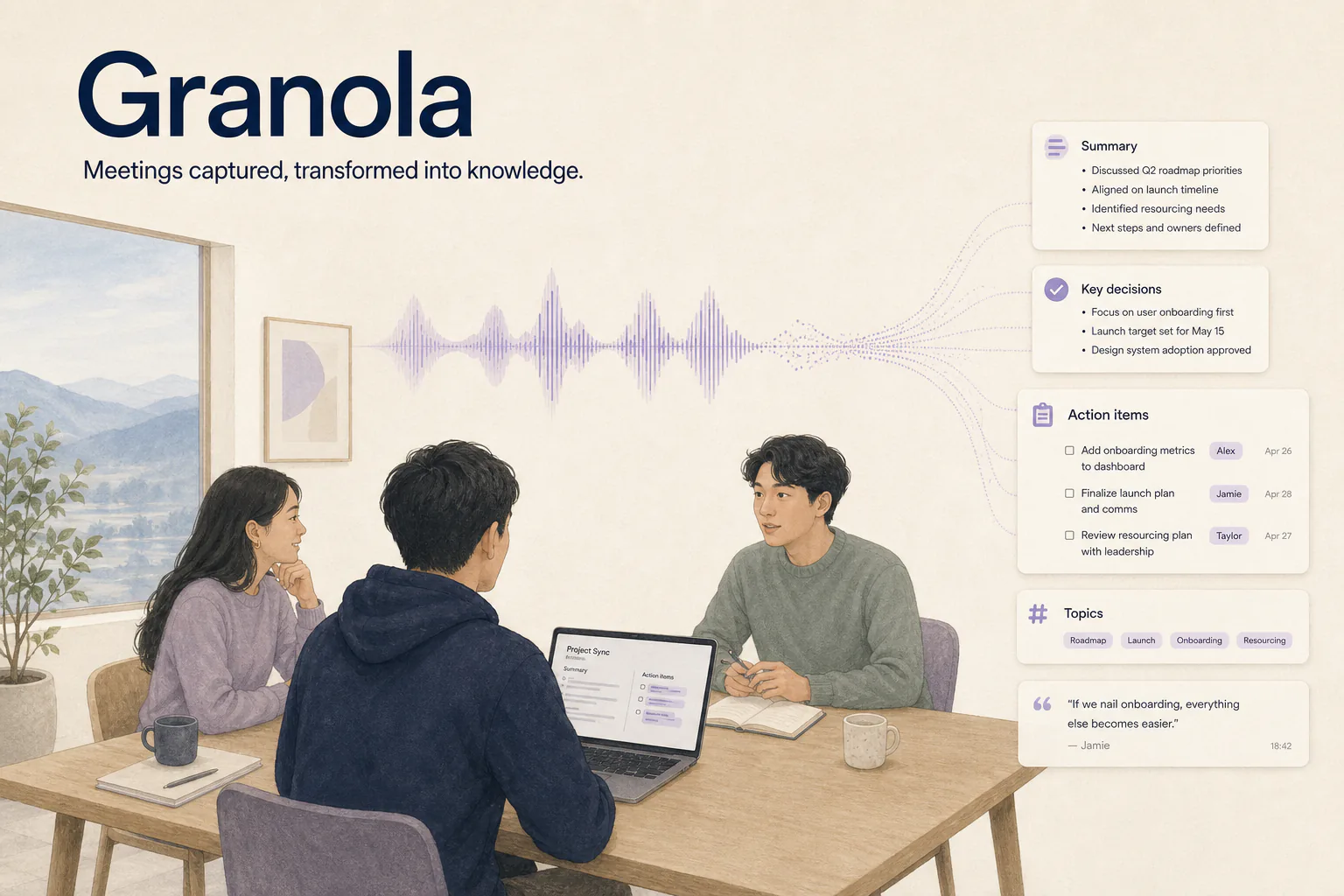
Granola turns meetings into searchable knowledge.
Meetings create some of the most valuable information inside a company.
But remembering everything is impossible.
Granola helps capture meeting notes and transform conversations into something searchable.
I use it to:
- Remember decisions
- Capture important discussions
- Reduce manual note-taking
The real value is not transcription.
It is making conversations reusable.
8. Dia Browser: A Better Research Environment
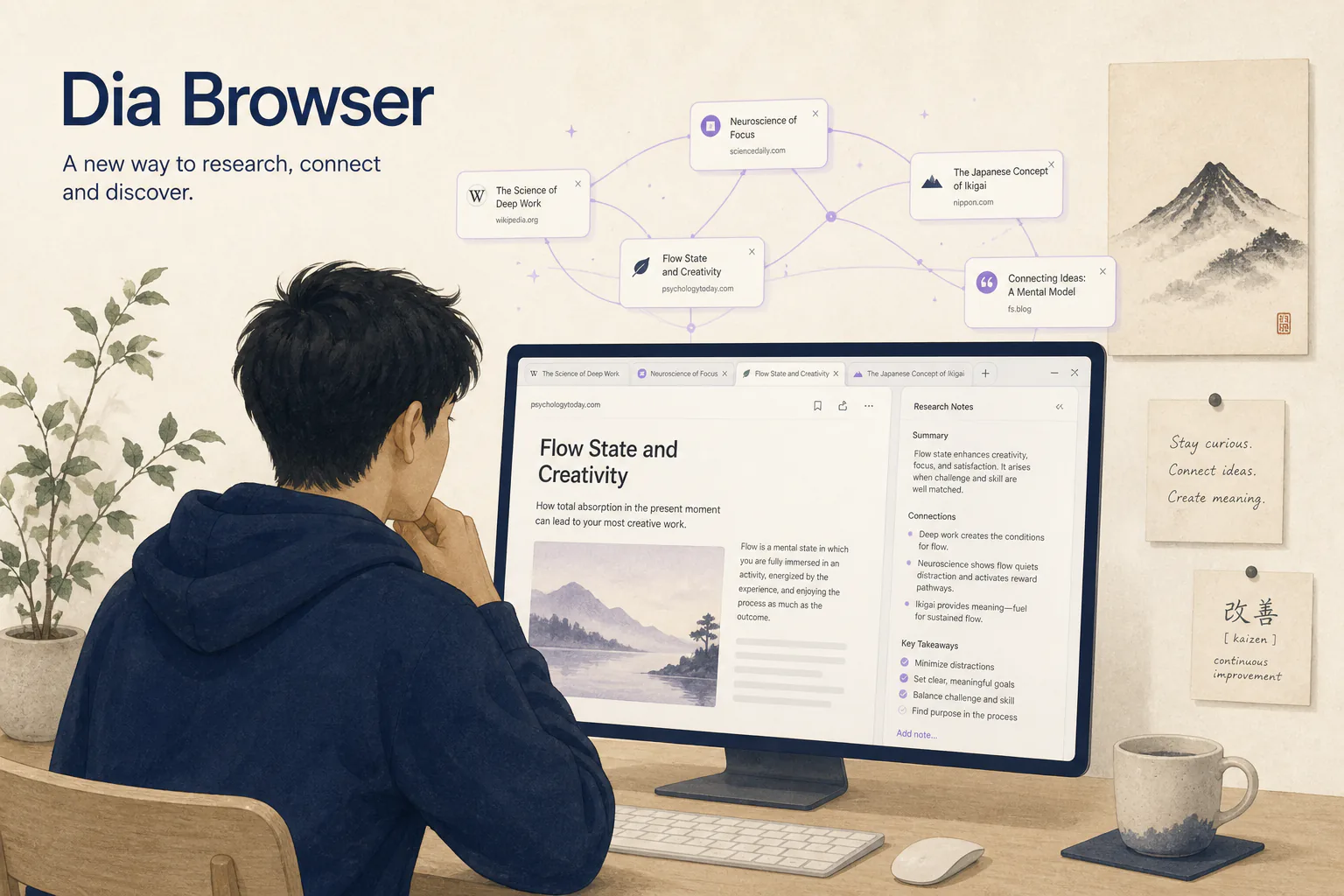
Dia as a research environment, not just a browser.
The browser is where a huge amount of knowledge work happens.
Dia represents a shift toward browsers becoming intelligent research environments.
I use it when:
- Exploring topics
- Comparing information
- Researching markets
- Collecting references
The browser is no longer just a window to the internet.
It is becoming a workspace.
9. Superwhisper: Capturing Thoughts Faster

Superwhisper for capturing thoughts by voice.
Some of the best ideas arrive when you are not sitting at a keyboard.
Superwhisper helps capture thoughts through voice.
I use it for:
- Writing faster
- Capturing ideas
- Creating rough drafts
- Recording thoughts while moving
The easier it becomes to capture ideas, the less likely good ideas disappear.
10. Craft: Turning Ideas Into Beautiful Documents
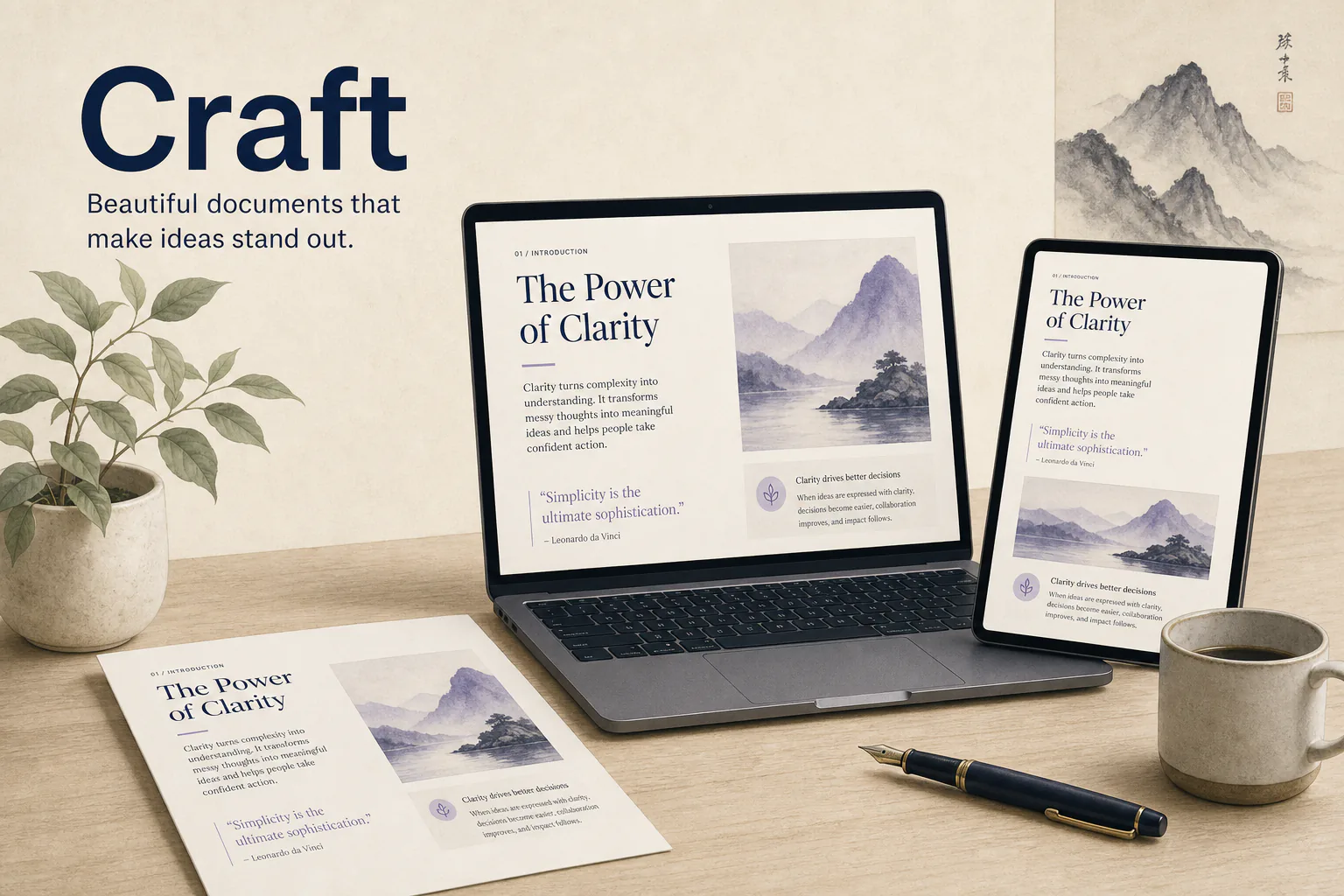
Craft when the document itself has to land well.
Craft is where I move when presentation matters.
Not every document needs to feel like an internal database.
Sometimes the way information is presented affects how people understand it.
I use Craft for:
- Writing polished documents
- Creating presentations
- Structuring ideas clearly
Good communication is not only about what you say.
It is also about how people experience it.
11. Raycast: My Command Center
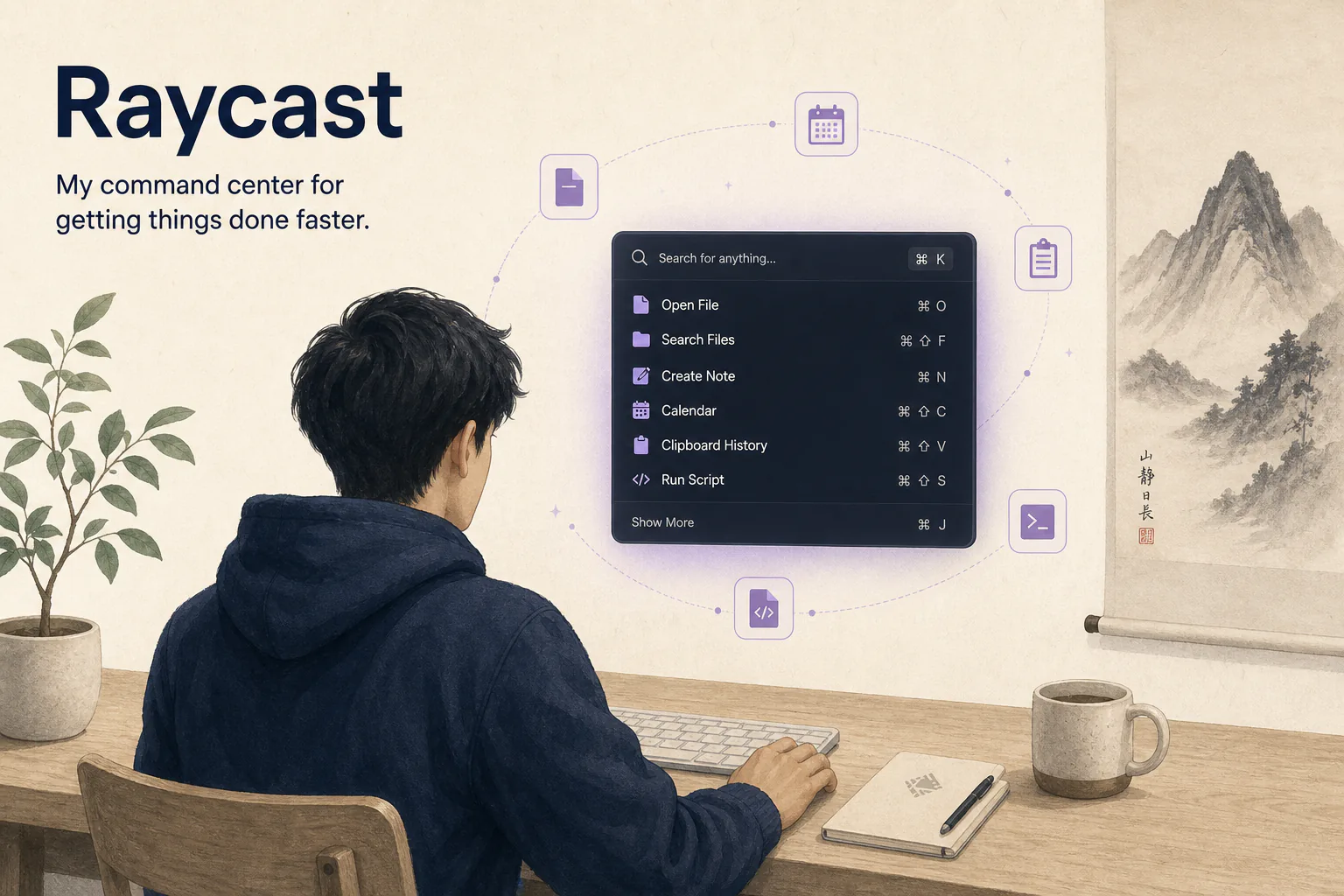
Raycast as the command centre for small daily actions.
Small moments of friction add up.
Opening apps. Finding files. Running commands.
Raycast removes many of those tiny interruptions.
I use it for:
- Quick actions
- Searching
- Launching workflows
- Managing daily tasks
It is not the biggest tool in the stack.
But these small improvements compound.
12. Milanote: Visual Thinking
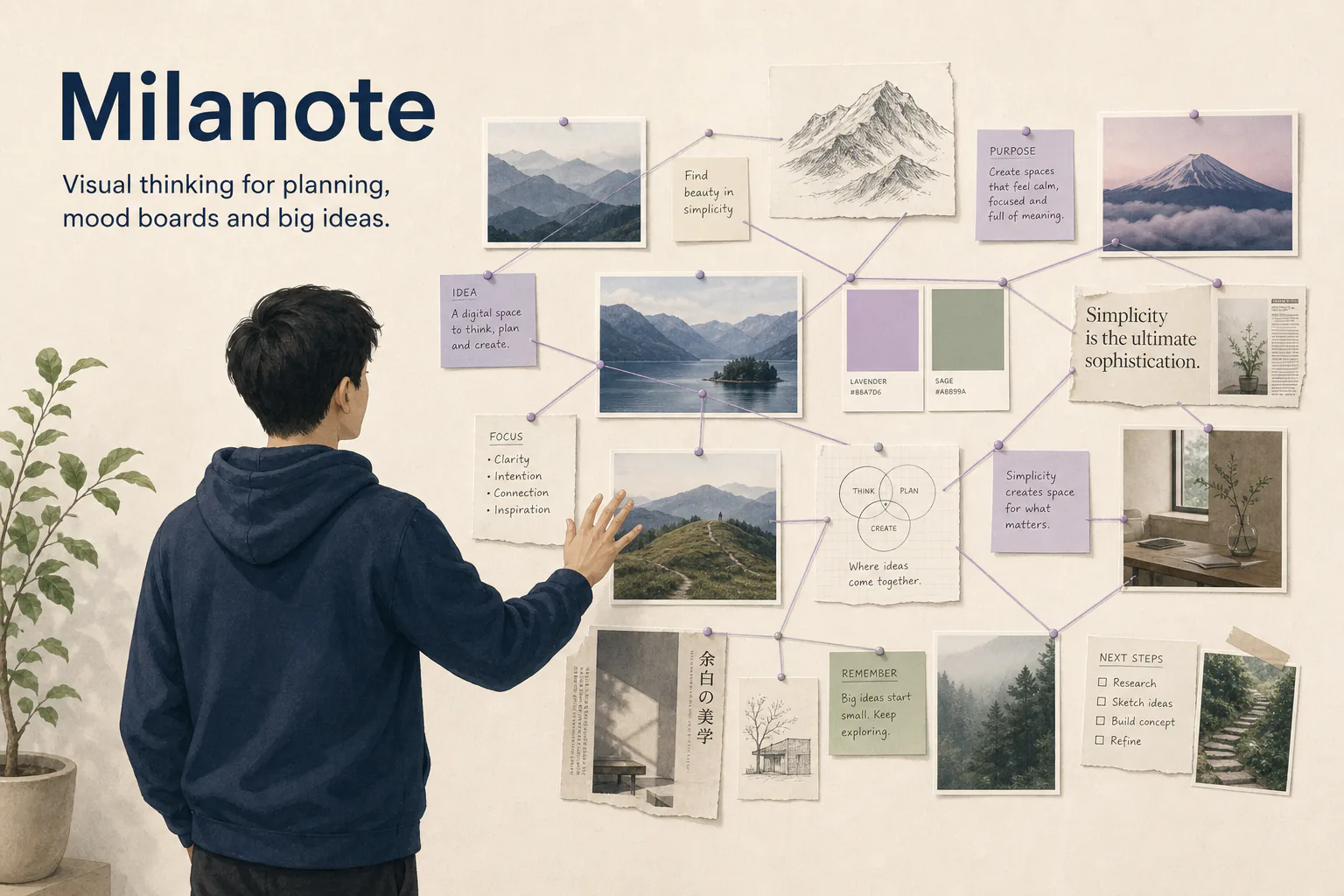
Milanote for ideas that need a canvas, not a page.
Some ideas are difficult to explain linearly.
They need space.
Milanote helps with:
- Visual planning
- Creative thinking
- Mood boards
- Organizing complex ideas
Not every problem should start with a document.
Sometimes it starts with a canvas.
The Biggest Lesson: The Stack Matters More Than the Tools
The biggest mistake people make with AI tools is looking for the perfect application.
There is no perfect application.
The value comes from how tools connect.
A thought captured in Superwhisper can become a document in Notion.
A research idea from Dia can become a strategy discussion with Claude.
A concept can move from ChatGPT to Cursor and become a working product.
The power is not individual tools.
The power is the system.
My Current CEO Workflow
This is how ideas move through my stack:
1. Capture
An idea appears.
I capture it using:
- Superwhisper
- Raycast
- Notes
2. Explore
I investigate:
- ChatGPT
- Claude
- Grok
- Dia
3. Structure
I organize:
- Notion
- Milanote
- Craft
4. Build
I execute:
- Cursor
5. Communicate
I share:
- Superhuman
- Granola
The goal is simple:
Reduce the distance between an idea and execution.
Are These Tools Replacing Human Thinking?
No.
The best use of AI is not removing human judgment.
It is removing unnecessary friction.
The CEO role still requires:
- Making difficult decisions
- Understanding people
- Building trust
- Creating vision
- Taking responsibility
AI can accelerate the process.
It cannot replace the responsibility.
Final Thoughts
The most valuable discovery from using these tools is not that AI makes everything faster.
It is that AI changes what is possible.
Small teams can research faster.
Founders can prototype faster.
Individuals can create with capabilities that previously required entire departments.
The future probably will not belong to people who use the most tools.
It will belong to people who build the best systems around them.
That is what an AI-native stack really is.
Not a collection of apps.
A personal operating system for thinking, building, and executing.
Frequently Asked Questions
What is an AI-native CEO stack?
An AI-native CEO stack is a collection of AI and productivity tools that support different parts of executive work, including research, communication, decision-making, building, documentation, and knowledge management.
Which AI tools are most useful for CEOs?
The most useful tools depend on workflow. Many CEOs use AI assistants like Claude and ChatGPT for thinking, coding tools like Cursor for building, and knowledge tools like Notion for organizing information.
Can AI tools replace traditional productivity software?
AI tools are increasingly becoming integrated into productivity workflows, but traditional tools remain valuable for organization, collaboration, and communication.
Should CEOs use many AI tools or one main AI assistant?
A combination of specialized tools is often more effective because different tools are optimized for different tasks. The key is creating a workflow instead of collecting applications.