Viva Engage Alternatives in 2026: 6 Employee Social and Community Platforms Compared
Compare 6 Viva Engage alternatives: HubEngage, Workvivo, Staffbase, Simpplr, LumApps, and Blink, with features, limitations, and pricing.
Sandeep Kumar
HubEngage, Workvivo, Staffbase, Simpplr, LumApps, and Blink are six Microsoft Viva Engage alternatives worth evaluating in 2026. Each supports employee communication and connection, but they approach workplace communities, engagement, intranets, and frontline access differently.
HubEngage combines employee communities with recognition, surveys, and multichannel communications. Workvivo emphasizes employee connection while offering broader knowledge and workplace capabilities. Staffbase focuses on enterprise communications, while Simpplr and LumApps provide extensive intranet and digital workplace functionality. Blink concentrates on mobile-first communication for frontline teams.
Microsoft Viva Engage, formerly Yammer, remains a practical option for organizations already using Microsoft 365. Replacing it makes sense only when an alternative addresses specific requirements that Viva Engage and the organization's existing Microsoft tools do not adequately meet.
This guide compares six platforms by their capabilities, integration options, limitations, pricing approaches, and suitability for different workforce needs.
6 Viva Engage Alternatives at a Glance
- 1. HubEngage: Best suited to: Multichannel employee communication and engagement. Main capabilities: Social communities, recognition, surveys, messaging, and communication channels. Pricing: Custom quote.
- 2. Workvivo: Best suited to: Workplace culture and employee connection. Main capabilities: Social feeds, spaces, recognition, communications, knowledge, and employee listening. Pricing: Custom quote.
- 3. Staffbase: Best suited to: Enterprise internal communications. Main capabilities: Employee apps, intranets, email, audience targeting, and publishing governance. Pricing: Custom quote.
- 4. Simpplr: Best suited to: Intranet modernization and knowledge discovery. Main capabilities: Personalized intranet, enterprise search, communities, recognition, and employee listening. Pricing: Custom quote.
- 5. LumApps: Best suited to: Integrated enterprise digital workplaces. Main capabilities: Personalized intranet, communities, enterprise applications, AI search, and workflows. Pricing: Contact sales.
- 6. Blink: Best suited to: Frontline and mobile-first workforces. Main capabilities: Mobile communications, messaging, social feeds, knowledge resources, and workplace integrations. Pricing: From $3.75/user/month, billed annually.
What Is Microsoft Viva Engage?
Microsoft Viva Engage is an enterprise social networking platform within the Microsoft 365 ecosystem. It provides a place for employees to participate in communities, share knowledge, ask questions, recognize colleagues, and interact with organizational leaders.
According to Microsoft's Viva Engage documentation, the platform is designed to connect employees with leaders, coworkers, and communities across an organization.
Its capabilities include:
- Employee communities: Groups organized around departments, professional interests, projects, or shared topics.
- Conversations and knowledge sharing: Posts, comments, questions, answers, and discussions.
- Leadership engagement: Opportunities for leaders to publish updates and participate in workplace conversations.
- Social interaction: Reactions, polls, praise, and other participation features.
- Microsoft integration: Access through Microsoft 365 and Microsoft Teams experiences.
- Analytics: Reporting on community activity and engagement, with additional capabilities depending on licensing.
Viva Engage also offers premium community, leadership, and knowledge experiences through eligible Microsoft Viva subscriptions.
Viva Engage vs. Microsoft Teams and the Broader Viva Suite
Understanding the distinction between these products is important before choosing an alternative.
Microsoft Teams primarily supports direct communication, meetings, files, and team collaboration. Viva Engage concentrates on broader communities, organizational conversations, and social knowledge sharing.
Microsoft also offers related products, including Viva Connections for employee news and resources and Viva Amplify for coordinated communications campaigns.
This means some organizations can address wider communication requirements by combining existing Microsoft products instead of replacing Viva Engage.
However, those capabilities may involve separate licensing, administration, and implementation considerations.
For organizations comparing workplace engagement with the wider employee journey, Hakken's guide to employee experience versus employee engagement explains the distinction.
Why Do Organizations Look for Viva Engage Alternatives?
Organizations generally consider alternatives when their requirements extend beyond employee communities or when they need a different approach to communication, workplace information, and engagement.
Broader Employee Communication Channels
Viva Engage supports communities and conversations, but some companies need coordinated communication through employee apps, intranets, email, SMS, and digital signage.
For example, a manufacturer may need corporate employees to receive announcements through email while production workers access the same information through an employee app or workplace display.
The requirement is not simply to publish to more channels. It is to make essential information available to the employees who need it.
Better Access for Frontline Employees
Retail associates, healthcare workers, hospitality staff, and field employees may not regularly access corporate email or desktop collaboration software.
For these workforces, mobile availability is only one consideration.
Companies also need to assess account creation, shared-device access, authentication, language support, shift patterns, and whether personal-device use is appropriate under workplace policies.
A platform that works well for office employees may not be equally accessible to every frontline worker.
Employee Recognition and Feedback
Some employers want recognition programs, pulse surveys, engagement measurement, rewards, or gamification alongside employee conversations.
Viva Engage supports social participation and praise. Other platforms may offer dedicated workflows for managing recognition campaigns, gathering feedback, and coordinating follow-up actions.
Buyers should compare the actual capabilities available in their existing Microsoft subscriptions before purchasing overlapping functionality.
Intranet and Knowledge Management
Organizations may need a central location for policies, employee services, documents, enterprise search, and business applications.
A social community platform and an employee intranet solve related but different problems.
If employees struggle to find the correct policy or complete routine HR tasks, replacing a discussion platform alone may not address the underlying issue.
Licensing and Technology Requirements
An organization already paying for Microsoft 365 should consider the incremental cost of keeping Viva Engage.
Third-party platforms may offer valuable additional functionality, but they also introduce subscriptions, integration work, administration, migration, and employee training.
The business case should therefore focus on capabilities and outcomes rather than treating a larger feature list as an automatic improvement.
How These Viva Engage Alternatives Were Evaluated
This comparison uses publicly available vendor product documentation, support resources, integration information, and pricing pages reviewed in November 2026.
The six products were examined against seven criteria:
- Employee communities: Social feeds, discussion spaces, peer interaction, and organizational knowledge sharing.
- Internal communications: Announcements, audience targeting, publishing workflows, and communication channels.
- Employee engagement: Recognition, surveys, feedback, and participation functionality.
- Frontline accessibility: Mobile availability, employee activation, and suitability for workers without regular desktop access.
- Integrations: Connections with Microsoft 365, Teams, identity providers, HR platforms, and workplace applications.
- Administration and analytics: Governance, permissions, reporting, and operational management.
- Pricing and implementation: Pricing transparency, licensing flexibility, deployment considerations, and likely additional cost categories.
The products are presented in an editorial order, not ranked using independently measured performance scores.
No hands-on testing, vendor interviews, customer surveys, or implementation benchmarking is claimed. Feature descriptions reflect publicly documented capabilities. Buyers should validate package entitlements and workflows in demonstrations before making purchasing decisions.
1. HubEngage
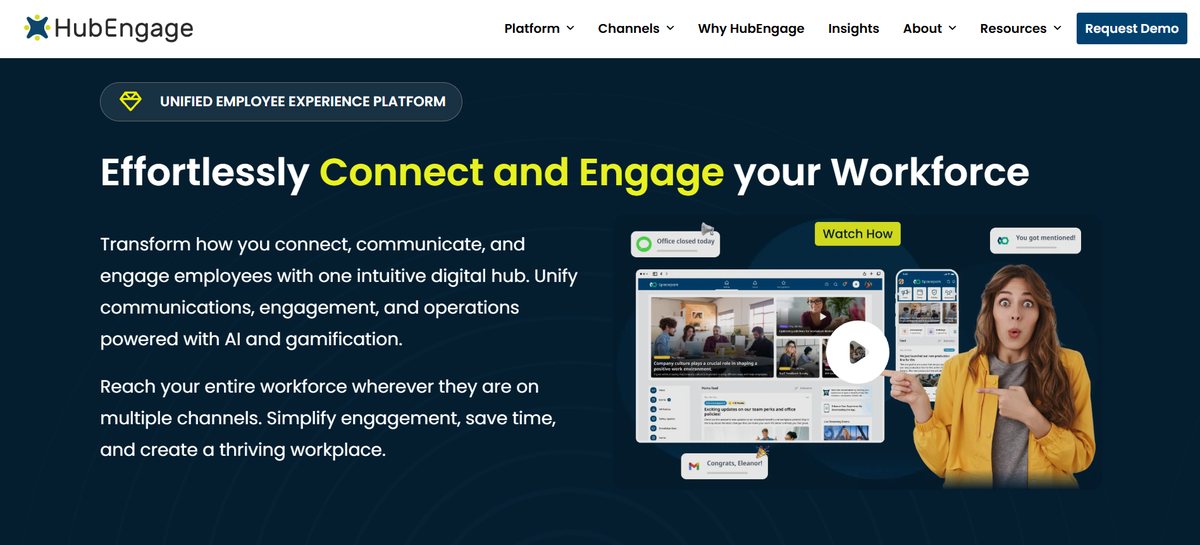
Best for: Organizations that want employee communities, recognition, surveys, messaging, and internal communications available through a connected platform.
HubEngage is a modular employee experience platform designed to support communication and engagement across desk-based, remote, and frontline workforces.
Its approach differs from a standalone enterprise social network because organizations can combine employee communities with structured announcements, recognition programs, surveys, and messaging.
The HubEngage Social Hub allows employees to publish updates, comment, react, and participate in workplace conversations.
Key Capabilities
- Social Hub: Employee posts, conversations, comments, and community interactions.
- Communications Hub: Internal announcements and targeted workplace information.
- Recognition Hub: Employee appreciation, milestones, and recognition programs.
- Survey/Forms Hub: Pulse surveys, feedback collection, and forms.
- Messaging Hub: Private and group communication.
- Multichannel communication: Mobile apps, web/intranet, email, SMS, and digital signage options.
HubEngage also supports gamification activities, including points connected to certain employee interactions.
Its modular design allows buyers to select communication and engagement capabilities according to their requirements.
Where HubEngage Fits
HubEngage is particularly relevant when an organization wants employee communities to operate alongside structured communications and employee engagement programs.
Consider a retail business with headquarters employees and store associates.
The company might need to distribute operational announcements, support employee discussions across stores, recognize performance milestones, and collect feedback from different locations.
Combining those activities within one platform may reduce the number of disconnected employee-facing experiences.
HubEngage also documents Microsoft integration options, including Microsoft Teams, SharePoint, and Microsoft identity services.
Its enterprise integration documentation describes identity integration, user synchronization, content access, and communication workflows. Buyers should confirm how each connection would work within their environment.
Limitations
HubEngage's broad functionality can be unnecessary for a company that only wants a basic employee discussion space.
Its modular approach also makes it important to establish which capabilities are included in the proposed package and which require additional configuration or commercial commitments.
Organizations should evaluate integration scope, user provisioning, administrative responsibilities, and communication-channel costs rather than assuming every capability is included by default.
Pricing
HubEngage provides tailored pricing based on organizational requirements and selected functionality.
Buyers should request an itemized quotation covering the Social Hub, additional modules, communication channels, implementation, and integrations.
Consider HubEngage when: Employee communities need to work alongside recognition, feedback, and communication across several workforce channels.
2. Workvivo
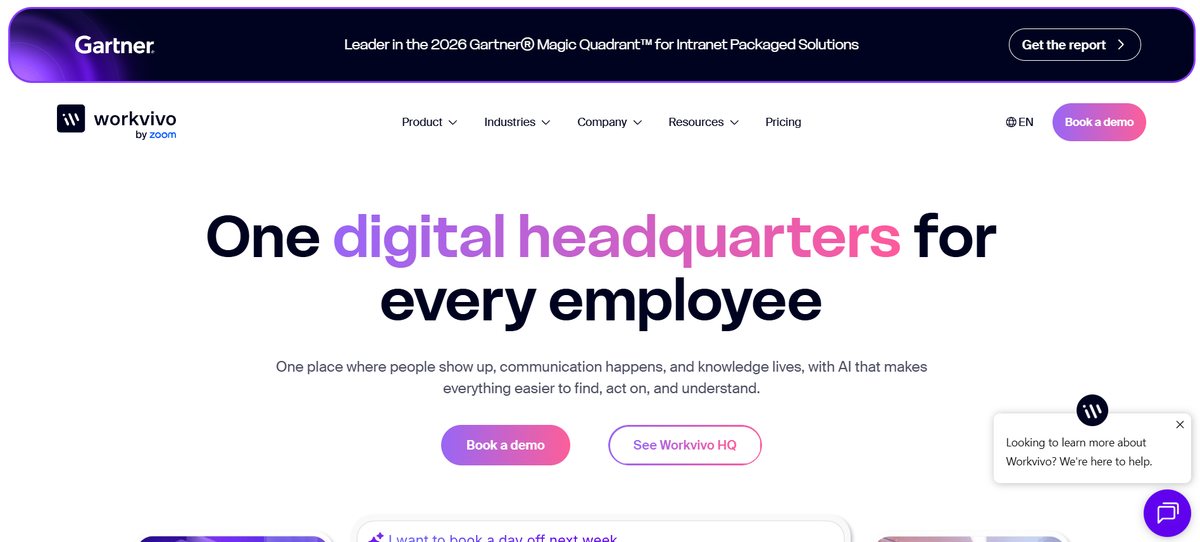
Best for: Organizations prioritizing employee participation, workplace communities, company culture, and recognition.
Workvivo is an employee experience platform built around communication, social interaction, recognition, and workplace connection.
Employees can participate in activity feeds, join communities, share updates, celebrate achievements, and interact with colleagues.
Its functionality also extends into employee communications, knowledge resources, search, and feedback.
In June 2026, Workvivo introduced Workvivo HQ, expanding its positioning around communication, knowledge access, and AI-supported workplace experiences.
Key Capabilities
- Activity feeds: Posts, comments, reactions, and workplace updates.
- Spaces: Communities based on departments, locations, teams, or interests.
- Recognition: Employee shoutouts, awards, and appreciation features.
- Communications: News articles, campaigns, events, and leadership updates.
- Knowledge access: Content pages, workplace resources, search, and connected applications.
- Employee listening: Polls, surveys, analytics, and additional listening capabilities.
Workvivo also provides mobile access and integration options for business applications.
Its Microsoft Teams integrations support workflows such as sharing Workvivo content into Teams, initiating Teams chats, and accessing Workvivo through a Teams application.
Where Workvivo Fits
Workvivo is relevant when employee participation is a central goal.
A geographically distributed company could use Spaces to connect professional interest groups, support employee communities, share company achievements, and encourage recognition across locations.
It may also suit organizations that want employee communication and knowledge resources in a more socially oriented environment.
Workvivo HQ expands the range of use cases beyond conventional workplace social networking.
However, buyers should distinguish the core platform from advanced capabilities and separate products.
Limitations
Organizations primarily seeking complex intranet governance or highly structured document management should compare Workvivo's knowledge capabilities with dedicated intranet platforms.
The scope of its AI and employee listening capabilities also depends on the selected offering.
For example, Workvivo describes HQ Agent as an additional AI capability and Seer as a separate employee intelligence offering that can complement Workvivo HQ.
These distinctions matter when comparing proposals.
Pricing
Workvivo uses custom pricing based on licensing requirements and organizational needs.
Its official pricing page describes Workvivo HQ, separate offerings, and additional capabilities.
Companies should confirm whether employee listening, advanced search, messaging, digital signage, and analytics are included in the proposed quotation.
Consider Workvivo when: Employee communities, recognition, company culture, and participation are major priorities, alongside broader employee communication and knowledge needs.
3. Staffbase
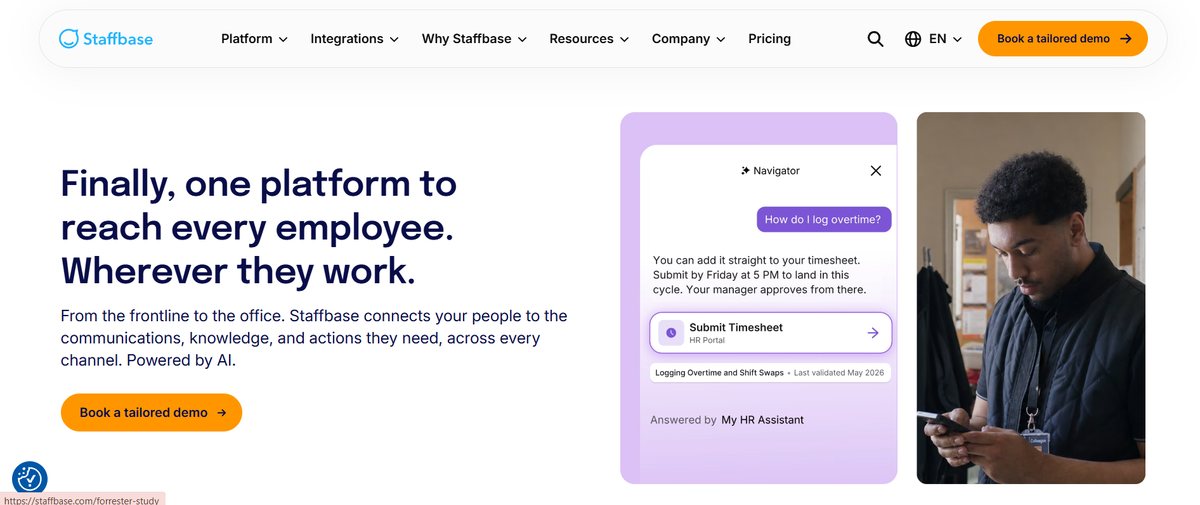
Best for: Large organizations requiring coordinated communications, audience targeting, publishing governance, and multiple delivery channels.
Staffbase is an enterprise employee communication platform offering employee apps, intranets, email communications, and centralized publishing capabilities.
Its primary emphasis is structured internal communications rather than social networking alone.
Staffbase is particularly relevant when communication responsibilities are distributed across corporate, regional, departmental, and local teams.
Key Capabilities
- Employee app: Mobile access to organizational news and workplace resources.
- Employee intranet: Centralized information and internal content.
- Employee email: Newsletters and targeted communication.
- Content publishing: Workflows for creating, scheduling, and managing updates.
- Audience targeting: Communications tailored to employee groups.
- Analytics: Measurement of communication engagement and content performance.
Staffbase also offers Microsoft integration options.
Its support documentation describes how organizations can make their Staffbase employee app or intranet available within Microsoft Teams, subject to configuration and identity requirements.
Where Staffbase Fits
Staffbase is particularly relevant to organizations with dedicated internal communications teams.
Consider a multinational company that needs headquarters to publish organization-wide messages while regional communication managers distribute locally relevant information.
Such a company may require structured publishing responsibilities, consistent branding, audience segmentation, and reporting across multiple channels.
Staffbase's approach supports these requirements through a more centralized communications environment.
It is also relevant to organizations managing both office-based and frontline employees.
Limitations
Staffbase may be more extensive than necessary for an organization that only wants employee discussion groups.
Its value is more apparent when communication governance, distribution, and administration are important purchasing requirements.
Implementation can also involve decisions about content ownership, employee identities, organizational structures, integrations, and publishing permissions.
Buyers should establish how social interaction and employee communities will operate within the specific Staffbase configuration they are considering.
Pricing
Staffbase provides custom quotations rather than a universal public subscription price.
Its pricing page describes frontline-specific, mixed-workforce, and enterprise configurations.
Companies should request pricing that reflects their actual employee distribution, selected channels, and implementation requirements.
Consider Staffbase when: The main challenge is delivering targeted, consistent, and governed communications across a complex organization.
4. Simpplr
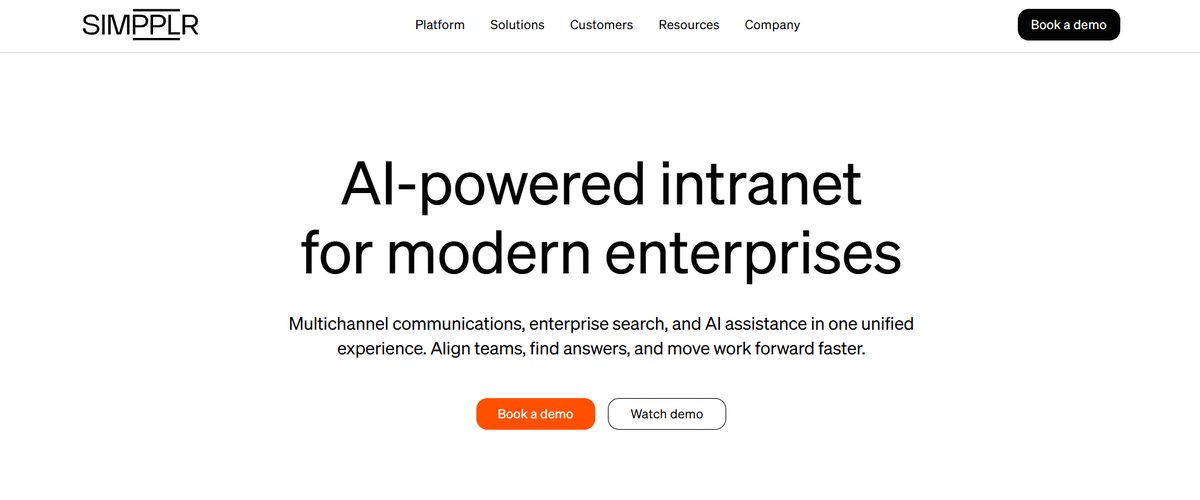
Best for: Organizations that need a personalized employee intranet, knowledge discovery, internal communications, and engagement tools.
Simpplr is an employee experience platform centered on the intranet as a destination for workplace information, resources, and communication.
It combines content management, personalization, employee communities, enterprise search, and additional employee engagement capabilities.
Its approach is relevant to organizations that want to improve both employee communication and access to knowledge.
Key Capabilities
- Personalized intranet: Company news, employee resources, and role-relevant content.
- Enterprise search: AI-supported discovery of information across connected sources.
- Communities: Employee discussions and social interaction.
- Internal communications: Company announcements, newsletters, and targeted content.
- Recognition: Employee appreciation and rewards functionality.
- Employee listening: Surveys, feedback, and engagement insights.
Simpplr also supports enterprise integrations, including Microsoft Teams.
Its documented Teams integration allows organizations to share selected intranet content and feed posts with Teams channels.
Simpplr's enterprise search documentation describes connections to external knowledge sources, including SharePoint and Google Drive, and AI-supported search summaries.
Where Simpplr Fits
Simpplr is particularly relevant when an organization's communication problem is closely connected to knowledge management.
Consider a professional services company where employees regularly need to locate policies, internal procedures, subject-matter experts, and company updates.
A centralized employee intranet may address more of these requirements than a standalone social platform.
The combination of personalized communication, communities, and enterprise search makes Simpplr relevant to wider intranet modernization projects.
Limitations
Organizations looking exclusively for employee conversations may not require Simpplr's full intranet environment.
Search quality also depends on the availability, organization, and permissions of the underlying content.
For example, connecting an AI-powered search tool to poorly governed information repositories does not automatically make that information accurate or appropriate for every employee.
Simpplr's documentation specifically emphasizes reviewing access permissions before enabling connected enterprise search.
Implementation should therefore include content governance, security review, information architecture, and employee access testing.
Pricing
Simpplr provides enterprise quotations rather than one universal public price covering every configuration.
Buyers should confirm which recognition, employee listening, enterprise search, and AI capabilities are included in the proposed subscription.
The vendor's official website provides current product information and demonstration options.
Consider Simpplr when: Replacing Viva Engage is part of a larger effort to improve intranet usability, knowledge access, and employee communications.
5. LumApps
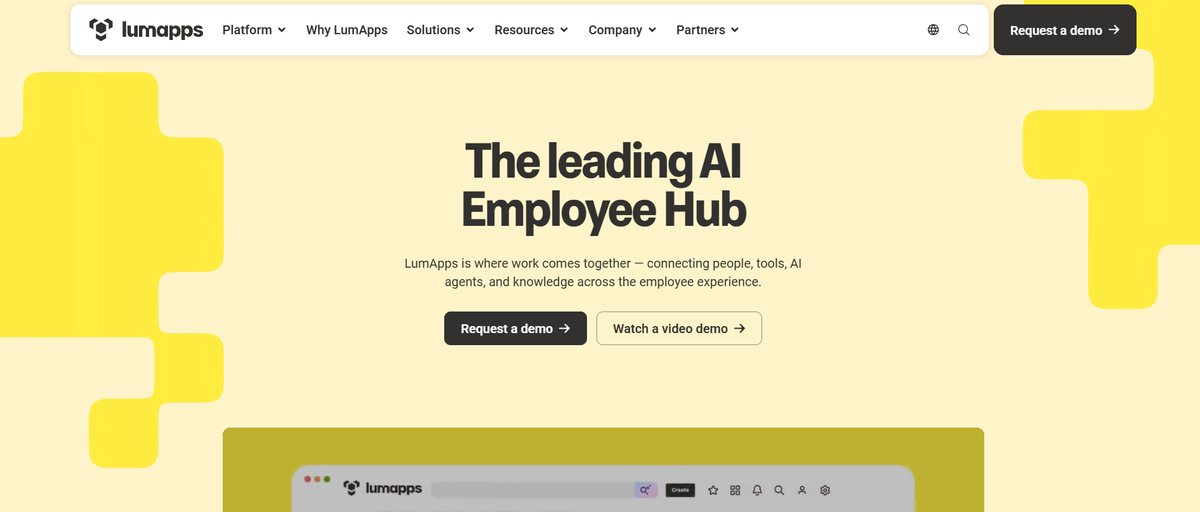
Best for: Large organizations seeking a personalized employee hub connecting communications, knowledge, business applications, and workplace services.
LumApps is an employee experience and intranet platform designed to connect people, information, and workplace tools.
It brings internal communications, employee communities, knowledge resources, and integrations into a central digital workplace experience.
LumApps is particularly relevant for organizations operating across Microsoft 365, Google Workspace, and other enterprise systems.
Key Capabilities
- Personalized intranet: Relevant workplace information, news, and employee resources.
- Employee communities: Social spaces and knowledge-sharing discussions.
- Enterprise integrations: Connections with Microsoft 365, Google Workspace, and business applications.
- AI and search: Capabilities for locating information across connected workplace resources.
- Workplace workflows: Access to tools, services, and operational tasks.
- Mobile access: Employee communication and workplace information for distributed teams.
LumApps also provides enterprise administration, security, and governance capabilities.
Where LumApps Fits
LumApps is relevant when employees use multiple systems and need a more consistent way to access them.
Consider an international organization using Microsoft 365 for productivity, separate HR applications for employee services, and additional tools for workplace operations.
A centralized employee hub could bring important resources, communications, and application access into a more consistent experience.
LumApps also suits organizations that want to retain their existing productivity suite while modernizing the employee-facing intranet.
Its support for different enterprise ecosystems can be useful when technology environments are not standardized across the business.
Limitations
LumApps may involve more implementation planning than a dedicated employee social network.
A successful deployment can require decisions about content architecture, personalization, integrations, access permissions, and responsibility for maintaining connected information.
Organizations should also verify whether the specific AI, workflow, and employee service capabilities they want are included in the proposed package.
Companies focused only on community conversations may find a broader digital workplace implementation unnecessary.
Pricing
LumApps directs prospective enterprise buyers toward demonstrations and tailored commercial discussions.
A single publicly standardized subscription rate was not established for this comparison.
Organizations should request an itemized quotation reflecting employee numbers, integrations, implementation, and selected capabilities.
The LumApps website provides product and demonstration information.
Consider LumApps when: Employee communities are one requirement within a broader project to consolidate workplace information and applications.
6. Blink
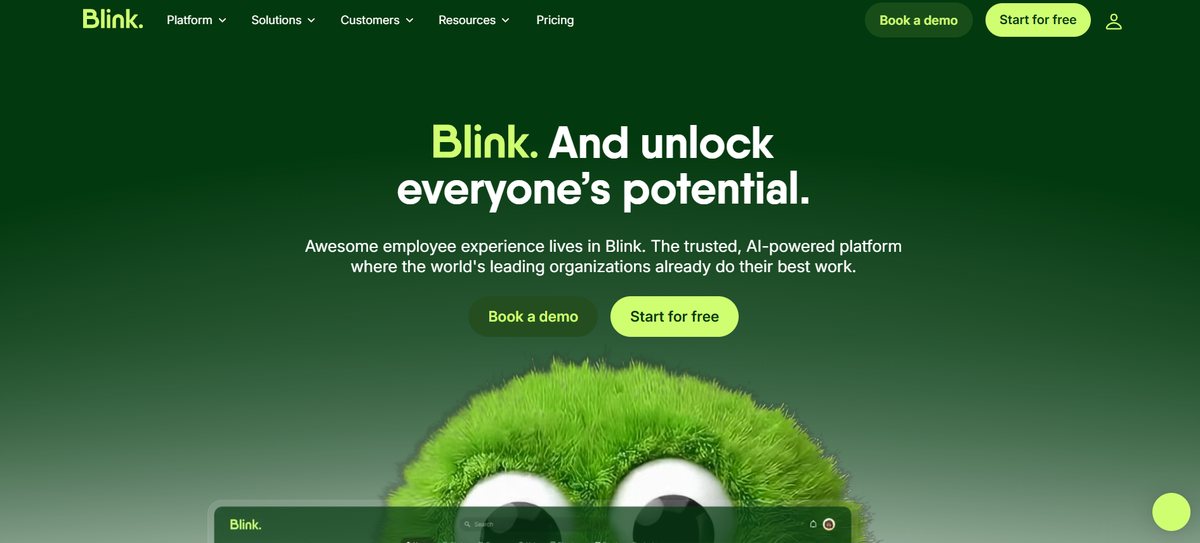
Best for: Organizations with significant frontline or deskless workforces, including retail, hospitality, healthcare, logistics, manufacturing, and field services.
Blink is a mobile-first employee experience platform focused on making workplace communications and resources accessible to employees who may not regularly use a computer.
It combines internal announcements, social feeds, messaging, knowledge resources, and workplace applications.
Its emphasis on mobile access makes it particularly relevant to organizations where employee communication cannot depend on corporate email or desktop workflows.
Key Capabilities
- Mobile employee app: Workplace news, updates, and employee resources.
- Social feeds: Posts, announcements, reactions, and conversations.
- Messaging: Direct and group communication.
- Employee groups: Shared spaces for teams and workplace discussions.
- Knowledge hub: Policies, documents, and frequently accessed information.
- Workplace integrations: Connections with Microsoft 365 and other business applications.
Blink also offers employee feedback, analytics, administration, and additional enterprise functionality, with availability varying by plan.
Where Blink Fits
Blink is particularly relevant to organizations with shift-based or operational employees.
Consider a hospitality company with employees working across several properties.
The company may need to share operational updates, give employees access to procedures, support team communication, and make relevant workplace resources easy to find.
A mobile-first environment can support these needs without requiring employees to follow office-based communication routines.
Blink may also be relevant when organizations need employee activation methods that accommodate workers without standard corporate email accounts.
Buyers should test the exact activation and access process with representative employees.
Limitations
Organizations needing a deeply customized enterprise intranet should compare Blink's knowledge and content capabilities with Simpplr, LumApps, and Staffbase.
Security controls, administration, advanced integrations, and enterprise knowledge capabilities may also influence the required pricing tier.
Mobile accessibility should not be assumed to mean universal accessibility. Employers still need to consider personal-device policies, shared devices, language requirements, and approved working-time access.
Pricing
Blink publishes US starting prices for two standard plans:
- Core: Published starting price: $3.75 per user/month, billed annually.
- Pro: Published starting price: $5.00 per user/month, billed annually.
- Enterprise: Published starting price: Custom quote.
The official Blink pricing page provides current plan details.
Buyers should check plan-level functionality, minimum commitments, implementation costs, and applicable taxes before comparing Blink with quote-based competitors.
Consider Blink when: Employee communication depends heavily on mobile access, team messaging, and straightforward information delivery to frontline staff.
Viva Engage vs. Its Alternatives: Which Should You Choose?
No single platform is better than Viva Engage for every organization.
Viva Engage's main advantage is its integration with the Microsoft workplace environment and the core community functionality available through eligible existing licenses.
Third-party platforms become more attractive when they address additional communication, accessibility, engagement, or intranet requirements.
- Employee communities and recognition: Platforms to evaluate: Workvivo, HubEngage. Important trade-off: Determine whether current Viva Engage features already meet the need.
- Multichannel communication and engagement programs: Platforms to evaluate: HubEngage, Staffbase. Important trade-off: Additional modules, channel costs, and administration.
- Enterprise communication governance: Platforms to evaluate: Staffbase. Important trade-off: Broader implementation than a community-only platform.
- Intranet modernization and knowledge discovery: Platforms to evaluate: Simpplr, LumApps. Important trade-off: Greater content governance and integration requirements.
- Integrated digital workplace: Platforms to evaluate: LumApps, Simpplr, Workvivo. Important trade-off: Potential overlap with existing Microsoft tools.
- Mobile-first frontline communication: Platforms to evaluate: Blink, HubEngage, Staffbase. Important trade-off: Device access, employee activation, and workforce policy considerations.
These recommendations are starting points for evaluation, not exclusive product categories.
Viva Engage vs. Workvivo
Both platforms support employee communities and social participation.
Workvivo may be more attractive when recognition, company culture, employee communications, and broader workplace experiences are central priorities.
Viva Engage may remain more convenient when employees already participate actively in Microsoft communities and the organization does not need another employee experience platform.
The evaluation should account for Workvivo HQ's additional capabilities rather than comparing only social feeds.
Viva Engage vs. HubEngage
HubEngage is relevant when organizations want employee communities connected with communication campaigns, surveys, recognition, and multiple delivery channels.
Viva Engage provides native community functionality within Microsoft 365, while related Microsoft Viva applications can address some wider communication requirements.
The practical question is which combination delivers the required capabilities at an acceptable total cost.
Viva Engage vs. Staffbase
Staffbase places greater emphasis on coordinated enterprise communication, employee reach, publishing, and governance.
Viva Engage concentrates on organizational communities and conversations.
A company with complex communication approval processes and multiple employee audiences may find Staffbase more relevant. An organization primarily interested in employee discussions may not need that additional breadth.
Viva Engage vs. Simpplr and LumApps
Simpplr and LumApps are more closely associated with comprehensive intranet and digital workplace projects.
Both combine communication and employee connection with access to information and workplace resources.
They are worth evaluating when employees struggle to find content or navigate disconnected applications, rather than when the only requirement is to replace a discussion forum.
Viva Engage vs. Blink
Blink is relevant when accessibility for frontline employees is the dominant requirement.
A company whose workforce does not regularly use corporate email or desktop applications may benefit from evaluating Blink's mobile communication and employee activation workflows.
The comparison should include device access, authentication, notifications, governance, and the ability to reach employees across shifts.
How to Choose the Right Viva Engage Alternative
Choosing an employee communication platform starts with understanding the workforce and the problems employees encounter.
A feature comparison alone cannot establish whether a product will be adopted or improve communication.
1. Identify the Problem Before Selecting Software
Document the specific reasons for replacing Viva Engage.
Examples include:
- Employees cannot reliably access important announcements.
- Community participation is limited to a small number of teams.
- Recognition and feedback programs operate across disconnected systems.
- Company policies and workplace resources are difficult to find.
- Internal communications teams lack suitable publishing workflows or reporting.
Each problem requires a different evaluation.
If the real issue is low participation caused by unclear community ownership or limited leadership involvement, purchasing another social platform may not solve it.
2. Map Your Workforce and Communication Channels
Identify how each employee group receives workplace information.
Desk-based employees may regularly use Microsoft Teams, email, and intranets. Frontline employees may depend on mobile apps, shared devices, workplace displays, or manager briefings.
Also account for language needs, shift schedules, device restrictions, and identity management.
Hakken's guide to multichannel employee communication explains how to select channels based on workforce access rather than assuming every employee uses the same tools.
3. Test Microsoft 365 Integrations
A vendor advertising Microsoft integration does not necessarily provide every workflow the organization expects.
Integrations may support different functions, including:
- Microsoft Entra ID single sign-on and user provisioning.
- Sharing announcements to Teams channels.
- Displaying an employee app within Teams.
- Connecting to SharePoint documents.
- Accessing Microsoft 365 content through search.
- Delivering notifications or employee engagement updates.
Ask vendors to demonstrate each required workflow using a realistic configuration.
An embedded Teams application, for example, is not the same as bidirectional synchronization of communities, files, and permissions.
4. Compare Security and Administration
Enterprise buyers should examine how each platform handles employee identities, access permissions, content moderation, data retention, and administrative roles.
Important questions include whether administrators can manage regional communities independently, remove employee access promptly, export records, and apply appropriate content restrictions.
For AI-powered search, confirm how the platform respects permissions from connected systems and how it handles information that is outdated, duplicated, or inaccessible to particular users.
Security and compliance requirements should be assessed against the organization's actual obligations rather than inferred from broad vendor marketing claims.
5. Use the Same Demonstration Scenarios for Every Vendor
A consistent demonstration makes comparisons more meaningful.
For example, ask each vendor to perform the following tasks:
- Publish a policy update to office and frontline employees: What to evaluate: Targeting, delivery channels, access, and reporting.
- Create a community for multiple departments: What to evaluate: Membership controls, posting, moderation, and notifications.
- Run an employee recognition campaign: What to evaluate: Available workflows, permissions, and reporting.
- Collect feedback from different locations: What to evaluate: Survey access, audience controls, and results.
- Find a policy stored in Microsoft 365: What to evaluate: Search relevance, integration depth, and permissions.
- Deactivate a departing employee: What to evaluate: Identity synchronization and access removal.
Use the same scenarios, employee personas, and requirements across demonstrations.
Where possible, include representative employees in a pilot rather than relying exclusively on administrator presentations.
6. Measure Outcomes, Not Just Platform Activity
New software should be evaluated against specific communication and employee experience objectives.
Useful measures may include:
- The proportion of employees able to access important announcements.
- Participation in relevant employee communities.
- Time required to locate frequently used information.
- Survey response and follow-up rates.
- Employee recognition participation.
- Completion of required actions following communications.
Measure these against an existing baseline.
For example, a high number of announcement views does not automatically prove that employees understood the information or completed the required action.
A communication evaluation should distinguish delivery, readership, understanding, and action.
How Much Do Viva Engage Alternatives Cost in 2026?
Most enterprise employee communication platforms in this comparison use custom pricing.
Subscriptions may depend on workforce size, selected functionality, communication channels, support, and implementation requirements.
Published Pricing Comparison
- Microsoft Viva Engage: Public pricing information: Core community capabilities included with eligible Microsoft 365 subscriptions.
- Microsoft Viva Employee Communications and Communities: Public pricing information: $2.00/user/month, paid annually, US published rate.
- HubEngage: Public pricing information: Custom quote.
- Workvivo: Public pricing information: Custom quote.
- Staffbase: Public pricing information: Custom quote.
- Simpplr: Public pricing information: Custom quote.
- LumApps: Public pricing information: Contact sales.
- Blink Core: Public pricing information: From $3.75/user/month, billed annually.
- Blink Pro: Public pricing information: From $5.00/user/month, billed annually.
Microsoft's Viva pricing page distinguishes employee experience features included in eligible Microsoft 365 plans from premium Microsoft Viva offerings.
The $2 monthly Employee Communications and Communities price is not the cost of purchasing Microsoft 365 itself. Eligibility, regional availability, licensing prerequisites, and contract terms must also be considered.
For an organization already using Microsoft 365, continuing with Viva Engage may have a lower incremental software cost than introducing another platform.
However, that does not automatically make it the least expensive option for every requirement.
Compare Total Cost of Ownership
Subscription pricing is only one component of software expenditure.
A realistic comparison should include:
- Annual licensing for the same employee population.
- Included features, modules, and communication channels.
- Implementation and migration charges.
- Microsoft 365 and HR system integrations.
- Employee activation and training.
- Administrative and ongoing support requirements.
- Contract duration, renewal provisions, and any usage-based charges.
Do not compare a basic employee social networking plan with a comprehensive intranet and employee engagement package as though both provide the same scope.
Request comparable vendor quotations that identify included capabilities and optional costs.
How to Migrate from Viva Engage to Another Platform
Replacing Viva Engage involves technical migration and changes to how employees communicate.
Not every community, conversation, attachment, permission, or historical interaction will transfer directly into another platform.
A realistic migration plan should identify what must be preserved, what can be archived, and what needs to be recreated.
Step 1: Audit Existing Communities
Begin by reviewing active communities, membership, administrators, frequently accessed discussions, and important knowledge resources.
Identify which communities still serve a useful purpose.
Some may be merged, archived, or discontinued rather than recreated.
Record the information that employees will need during and after the transition.
Step 2: Review Export and Retention Requirements
Microsoft provides administrative tools for exporting Viva Engage information.
Its official data export documentation describes exports for users, messages, network information, and certain attachments.
However, standard exports have limitations.
For example, Microsoft documents that some information, including group membership and bookmarked messages, is not included in standard data exports. Attachments stored in SharePoint also require separate consideration.
Exporting information does not mean another platform can automatically import it with equivalent structure and permissions.
IT teams should review available data, retention obligations, Microsoft Purview or other applicable compliance processes, and the destination platform's supported import methods.
Step 3: Map Existing Features to the Replacement
Document how important activities will function in the new platform.
These may include community discussions, leadership communication, employee recognition, knowledge sharing, and administrator moderation.
Some features may have no direct equivalent.
For example, an existing community might need to become a group, a dedicated intranet area, or a different type of discussion space.
Decide how permissions and communication ownership will work before migrating employee content.
Step 4: Run a Representative Pilot
Test the new platform with employees from different functions, locations, and working arrangements.
Include frontline employees where relevant.
Evaluate the actual employee experience, including registration, authentication, notifications, accessibility, community participation, search, and administrative controls.
Record issues and resolve critical access problems before expanding the rollout.
Step 5: Communicate and Support the Transition
Explain why the organization is changing platforms and what employees should expect.
Provide clear guidance covering where to find announcements, how to access communities, what happens to historical content, and where employees can obtain help.
Train communication owners and community administrators before transferring day-to-day responsibilities.
Avoid creating confusion by leaving employees uncertain about which platform contains the authoritative version of important information.
Step 6: Measure Adoption and Decommission Carefully
Monitor employee access, communication reach, active participation, support requests, and feedback.
Keep the old environment available for an appropriately governed transition period where necessary.
Before decommissioning, verify export completeness, retention obligations, content ownership, and required administrative records.
A successful migration is not simply the activation of a replacement platform. It is the point at which employees can reliably access the information and communities they need.
Frequently Asked Questions
Which Viva Engage Alternative Is Best for Frontline Workers?
Blink, HubEngage, and Staffbase are relevant candidates for organizations with large frontline workforces.
Blink emphasizes mobile-first communication, HubEngage combines mobile communication with engagement modules, and Staffbase supports broader enterprise communication requirements.
The right choice depends on employee access, identity management, existing systems, and communication needs.
Can Organizations Replace Viva Engage Without Replacing Microsoft Teams?
Yes.
An organization can continue using Microsoft Teams for messaging, meetings, and collaboration while adopting a separate platform for employee communities, communications, intranet content, or engagement.
Integration depth varies. Buyers should verify the exact workflows rather than assuming that all employee community content can be synchronized across products.
Which Viva Engage Alternatives Integrate with Microsoft 365?
HubEngage, Workvivo, Staffbase, Simpplr, LumApps, and Blink document Microsoft ecosystem integration options.
However, supported functions differ.
Some offer Teams applications or content sharing, while others emphasize identity, SharePoint access, or broader Microsoft 365 integrations.
Buyers should evaluate specific integration requirements, prerequisites, and package availability.
Is Workvivo Better Than Viva Engage?
Workvivo may be a more suitable option when employee culture, recognition, social participation, and a broader employee experience platform are purchasing priorities.
Viva Engage may be preferable for organizations already satisfied with Microsoft-integrated communities.
Neither is universally superior. The choice should reflect the organization's objectives, employee needs, licensing, and existing technology environment.
Which Platform Is Better for Intranet Modernization?
Simpplr and LumApps are relevant starting points when the main objective is to improve access to information, enterprise search, personalization, and workplace applications.
Staffbase and Workvivo should also be considered where internal communications and broader employee experiences are significant requirements.
Compare each product against the same content, governance, integration, and employee access scenarios.
What Should an Enterprise Prioritize When Replacing Viva Engage?
Large organizations should prioritize workforce accessibility, security, identity management, information governance, community administration, integration depth, migration feasibility, and total cost.
Employee participation and communication outcomes should also be measured.
The replacement should solve a documented organizational problem rather than simply duplicate existing software.
Final Verdict
The right Viva Engage alternative depends on whether the main objective is improving employee communities, coordinating communications, modernizing an intranet, or reaching frontline workers.
HubEngage is worth evaluating when an organization wants communities combined with recognition, surveys, and multichannel communications. Workvivo is relevant when employee connection and culture are central, while Staffbase fits more complex enterprise communication programs.
Simpplr and LumApps are particularly relevant to organizations pursuing intranet and digital workplace improvements. Blink deserves attention when mobile communication and frontline access are the main priorities.
Other products, including Haiilo, may also be appropriate for a wider vendor shortlist.
Organizations already using Microsoft 365 should keep Viva Engage in the comparison rather than assuming replacement is necessary.
The most useful purchasing decision comes from identifying a specific communication or employee experience problem, testing each platform against realistic employee needs, and comparing the total cost of achieving the required outcomes.