Modern Intranet Software 2026: Complete Buyer's Guide & Top Picks
The best modern intranet platforms compared — HubEngage, Staffbase, Simpplr, LumApps, and Unily. What to evaluate before you buy, and which fits your team.
HAKKEN

The best modern intranet platforms in 2026 are HubEngage, Staffbase, Simpplr, LumApps, and Unily. Each combines company news, document search, and employee engagement tools into one branded hub, but they differ in how they handle mobile and frontline access, AI-driven personalization, and integration with your existing Microsoft or Google ecosystem. This guide breaks down what to evaluate before you buy, then compares the five platforms head-to-head so you can shortlist the right fit for your organization's size and workforce structure.
What is modern intranet software?
A modern intranet is a centralized digital hub where employees find company news, documents, colleague directories, and internal tools without digging through shared drives or old email threads. Unlike the static SharePoint sites of a decade ago, today's intranets personalize what each employee sees based on role, location, and department, and most now include AI search that pulls answers from scattered systems into a single query.
The category has split into two overlapping groups:
- Communication-first platforms built around reaching every employee, including frontline and deskless staff, through mobile apps and push notifications.
- Intranet-first platforms built around structured content, document governance, and deep search for desk-based knowledge workers.
Most buyers need a mix of both, which is why the platforms below vary in how much they lean toward one side or the other.
Key features to evaluate before buying
Before you request a demo, get clear on what your organization actually needs. The features below separate a platform that gets adopted from one that quietly dies after the launch campaign.
Content management and governance
Can non-technical staff publish news and pages without pulling in IT for every update? Look for built-in workflows that flag outdated content and prompt page owners to review it, since a stale intranet erodes trust fast.
Search and AI capabilities
Modern intranets increasingly use AI to search across connected systems, not just intranet pages. Ask vendors to demo search against a real, messy document set instead of a curated sandbox.
Mobile and frontline access
If any part of your workforce doesn't sit at a desk, confirm the platform supports login without a corporate email address, such as QR codes or SMS. A platform built for desk workers will underperform badly with shift-based teams.
Personalization and targeting
Can you segment content by department, region, or role so employees see relevant updates instead of a firehose of company-wide noise? Targeting is often the difference between an intranet people check daily and one they ignore.
Integrations
Check for native connections to your HRIS, Microsoft 365 or Google Workspace, and any single sign-on provider you already run. Poor integration means duplicate logins and manual data entry, which kills adoption over time.
Pricing transparency
Most enterprise intranet vendors quote custom pricing based on employee count and modules. Get a written estimate early in your evaluation, since costs can vary significantly once you factor in add-ons like advanced analytics or premium support.
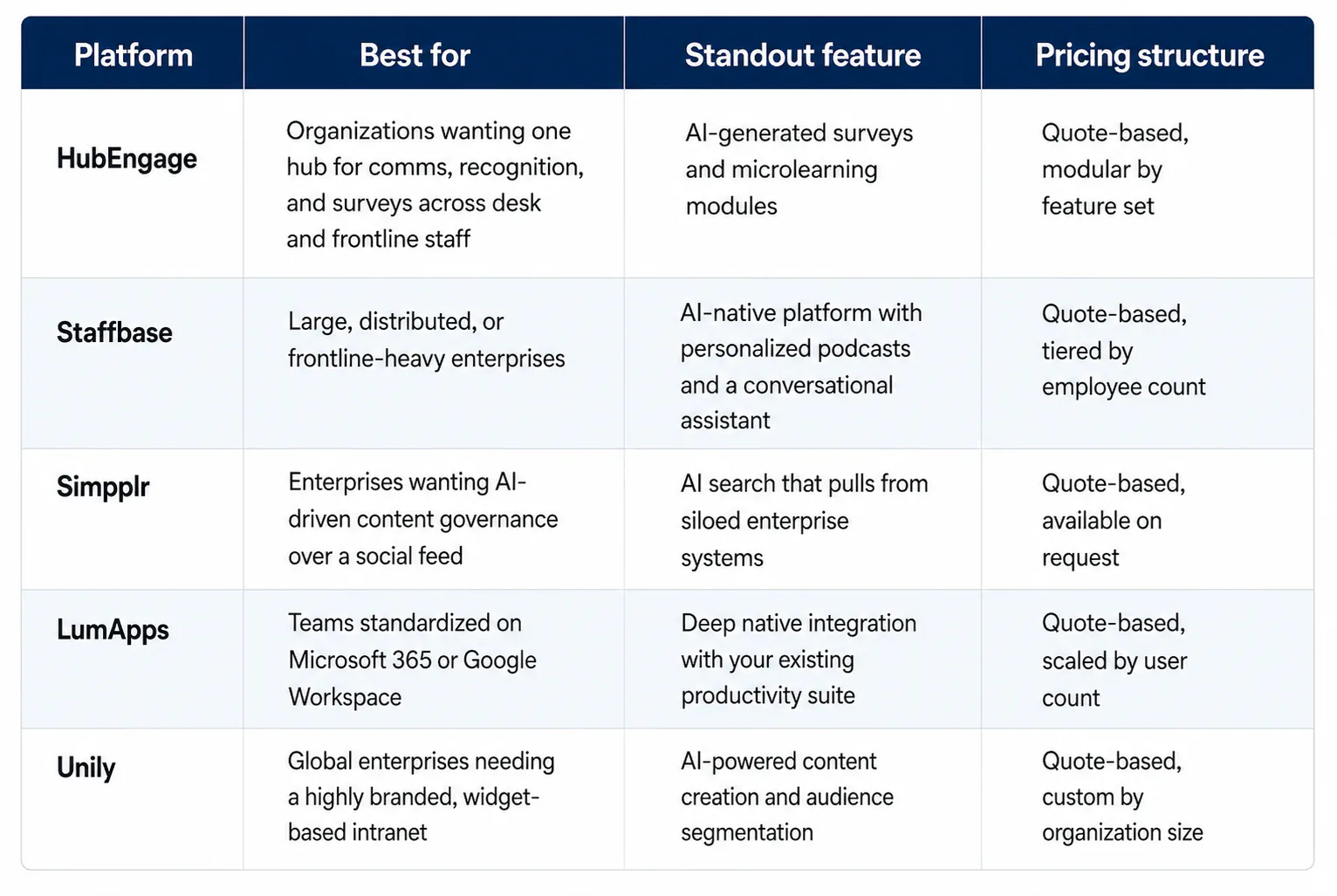
Top 5 modern intranet platforms compared at a glance
1. HubEngage
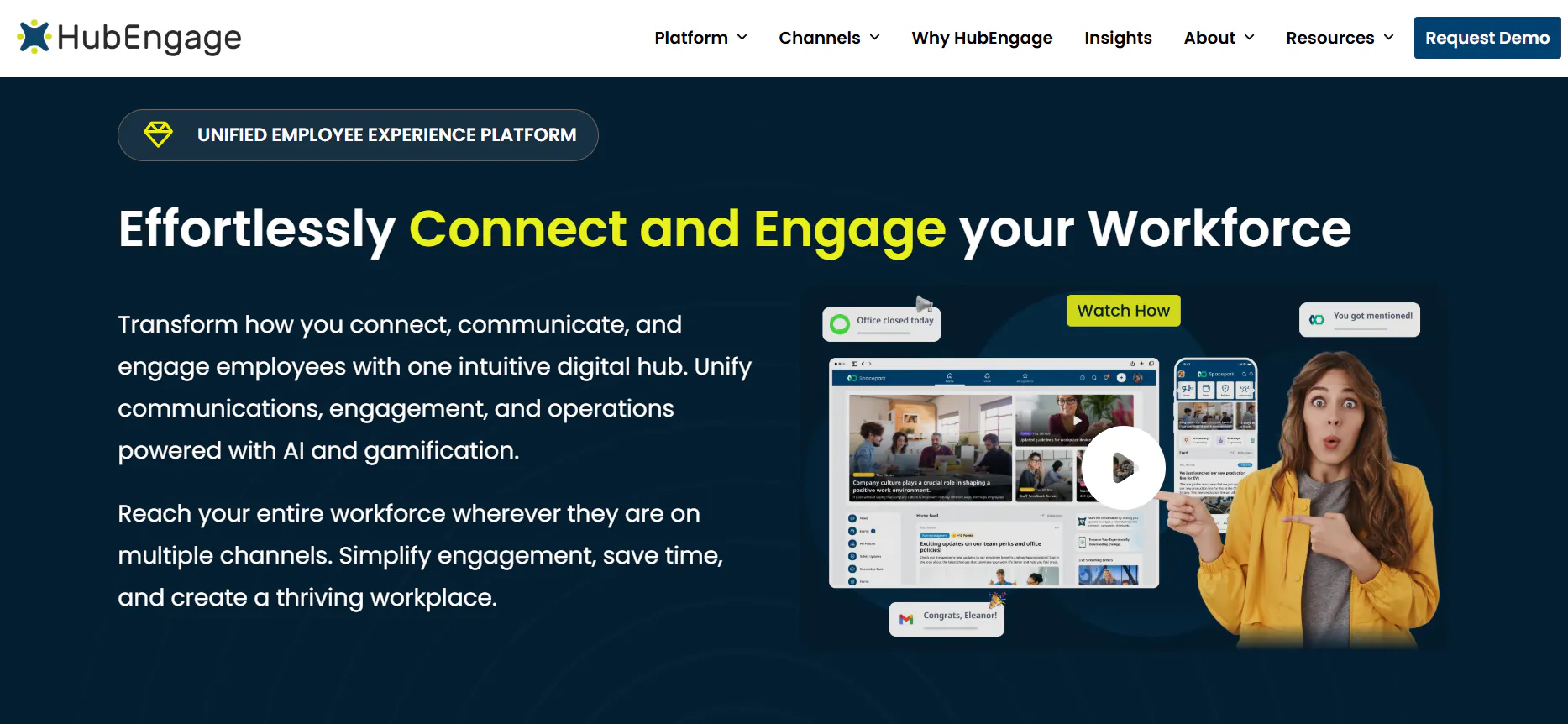
HubEngage is a multichannel employee engagement platform built around a single app that covers communication, recognition, surveys, and enterprise social features. It reaches employees through intranet, mobile apps, email, SMS, and digital signage, which makes it a fit for organizations juggling office staff and frontline workers at once. Recognition runs on a points and badge system with peer-to-peer and manager-driven options, and pulse surveys can be segmented by department or location. In 2026, HubEngage added AI-generated surveys and AI microlearning, aimed at cutting the time HR teams spend building content from scratch. Integrations cover Microsoft Teams, SharePoint, Workday, and common HRIS and payroll systems. Pricing is quote-based and modular, so you pay for the specific hubs your organization uses (communications, recognition, surveys, and so on) rather than one flat package. It suits mid-size to large companies that want to consolidate several point tools into a single branded app rather than running separate systems for comms, recognition, and surveys.
2. Staffbase
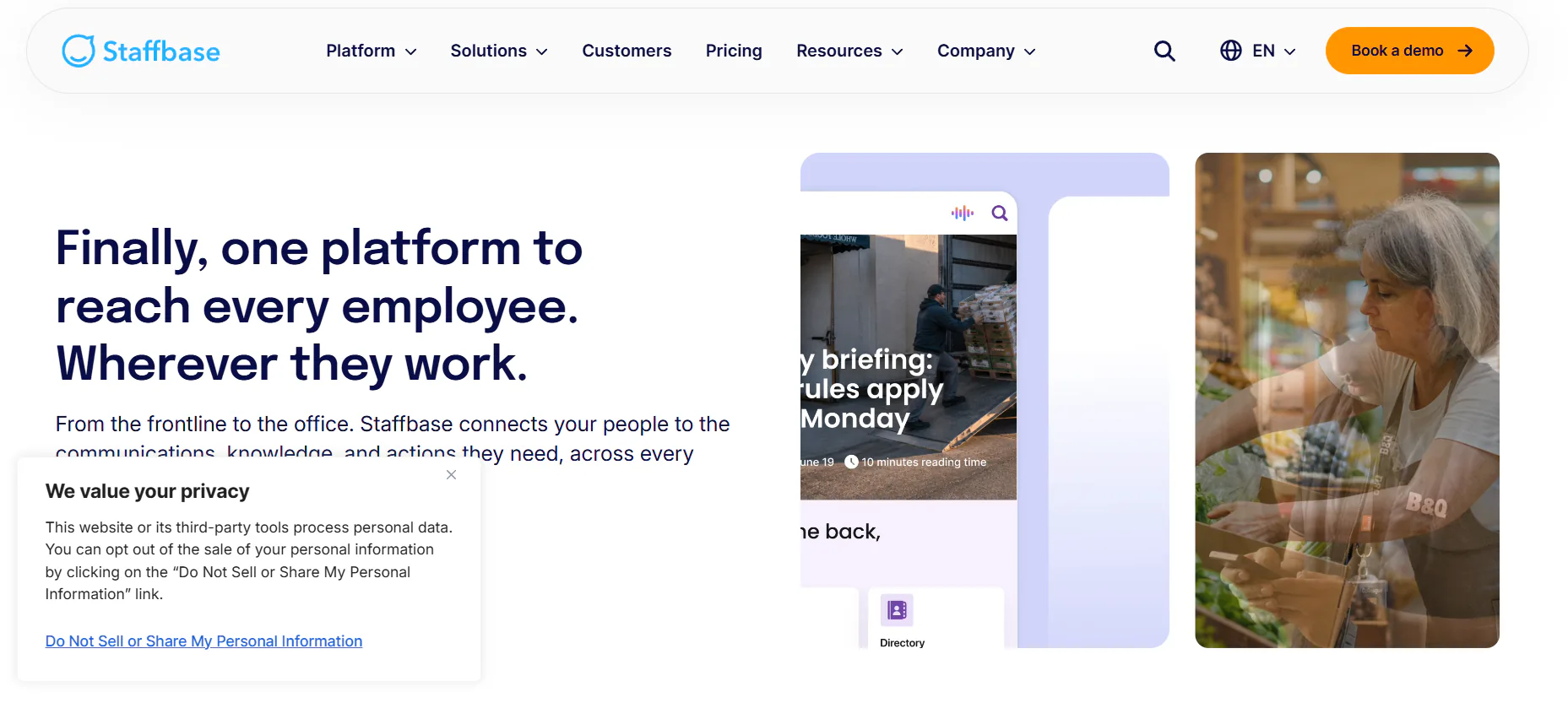
Staffbase is an AI-native employee communications platform built for organizations that need to reach both headquarters staff and frontline workers under one governed system. It combines a branded employee app, an intranet, email newsletters, SMS, and digital signage, all run through a single content backend so comms teams publish once and distribute everywhere. Newer additions include personalized podcasts and a conversational assistant that surfaces company information on request. Staffbase supports over 75 languages, which matters for global organizations coordinating messaging across regions. It integrates with Microsoft 365 and connects to existing HR systems for employee data sync. Pricing is quote-based and depends on employee count, deployment model, and contract length, with most published estimates landing well above self-serve intranet tools. Staffbase fits large or global organizations, serving customers like Adidas and DHL, that need governed, multichannel communication with strong frontline reach rather than a lighter, desk-only intranet tool.
3. Simpplr
Simpplr is an AI-powered intranet built for organizations that want structured content management more than a social media style feed. Its AI Intranet component personalizes what each employee sees based on role and department, while AI Search pulls results from scattered enterprise systems into one place, reducing the need to hunt across separate apps. Content governance tools flag outdated pages automatically and prompt owners to review them, which keeps a growing intranet from turning into a graveyard of stale documents. Simpplr also includes employee surveys, recognition modules, and a newsletter builder that pulls content directly from existing intranet pages. It integrates with Salesforce, Google Workspace, Microsoft 365, and Slack. Pricing is available on request and scales with company size and feature tier. Simpplr fits medium to large enterprises, including names like Snowflake and DocuSign, that want a clean, easy-to-manage intranet with strong content governance and less emphasis on a casual social feed style experience.
4. LumApps
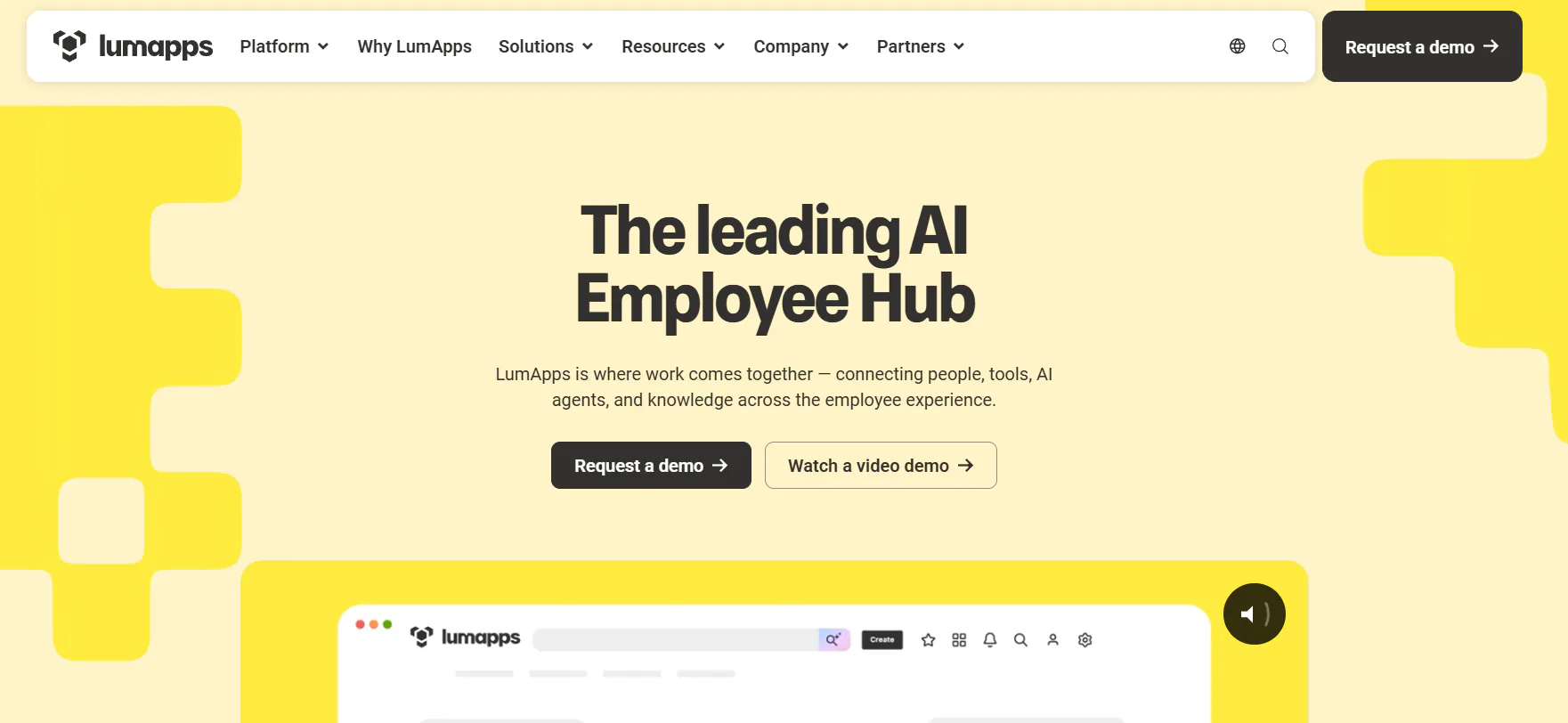
LumApps is an employee experience platform built around deep integration with Microsoft 365 or Google Workspace, positioning it as a connected hub rather than a standalone app. It brings together internal communication, knowledge sharing, and everyday business tools inside a single branded workspace, so employees don't have to switch between separate systems to find a document or read company news. Structured personalization lets comms teams target content by role, region, or department, and the platform includes employee directories and search built to surface information quickly across a large organization. LumApps is often positioned as a strong fit for enterprises that need scalability, governance, and search depth over a casual social feed. It connects natively with whichever productivity suite your company already runs, cutting down on duplicate logins and separate content pipelines. Pricing is quote-based and scales with user count. LumApps suits organizations already standardized on Microsoft or Google tools that want their intranet to feel like a natural extension of that ecosystem rather than a separate destination.
5. Unily
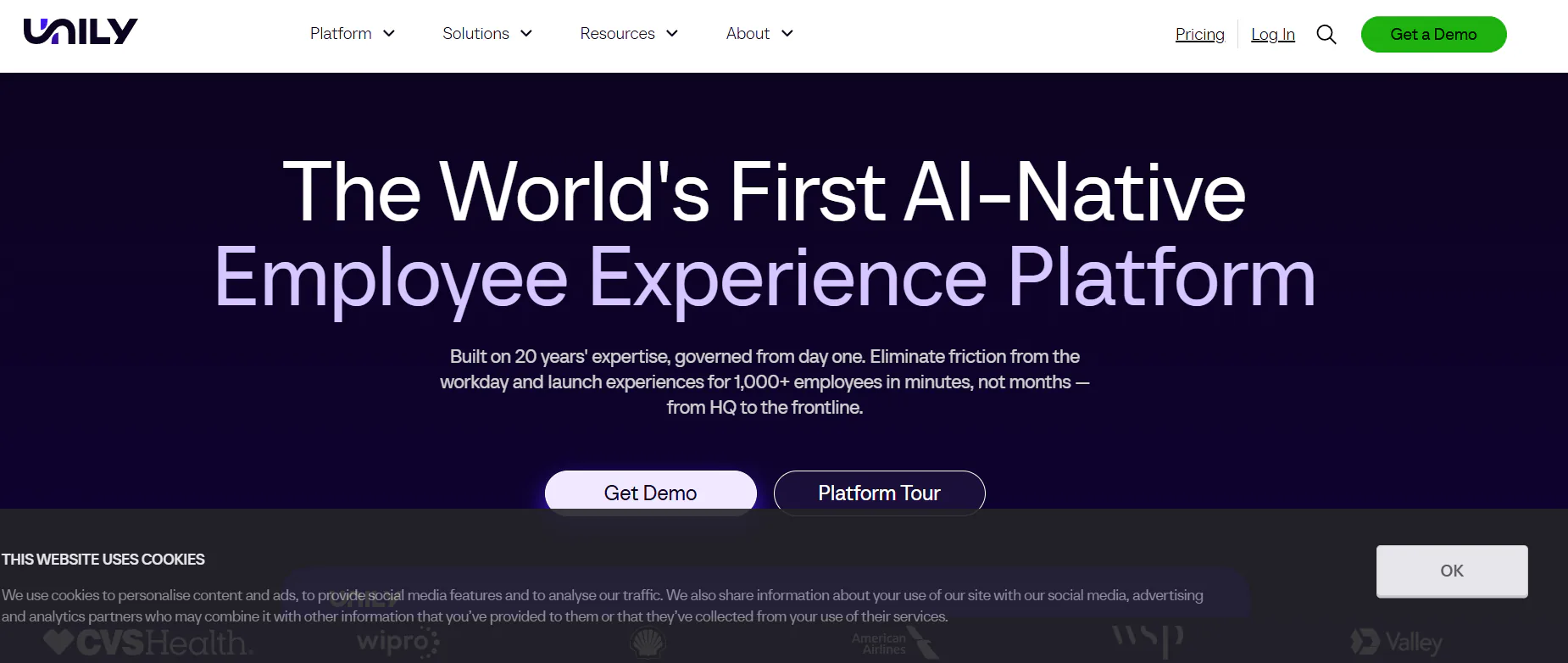
Unily is a branded employee experience platform built for large, global enterprises that need a highly customizable intranet with deep widget-level control. It combines multichannel communications, AI-powered content creation, and enterprise knowledge search, letting teams deliver messages across email, web, mobile, and digital signage from one dashboard. AI features summarize updates, segment audiences, and route employees to the right resources, while built-in communities and recognition tools support engagement beyond top-down announcements. Unily is used by large organizations including McDonald's, Shell, and L'Oréal, and it integrates with Microsoft Teams and Yammer, though some advanced customizations require HTML, CSS, or JavaScript knowledge on your team. Its drag-and-drop CMS gets praised for ease of daily content management, though the learning curve for deeper integrations runs steeper than lighter platforms. Pricing is quote-based and custom to organization size. Unily fits large, global enterprises that want a fully branded, highly configurable intranet and have the internal resources to manage that complexity.
How to run your intranet evaluation
Once you've narrowed your list, structure the evaluation so you're comparing real fit, not just sales pitches.
Step 1: Map your workforce split
Count how many employees are desk-based versus frontline or deskless. If frontline reach is your main gap, weight HubEngage and Staffbase higher. If your team is almost entirely desk-based and already runs on Microsoft or Google tools, LumApps or Simpplr will likely require less setup work.
Step 2: Test search with real content
Ask each vendor to run a search demo against a sample of your actual documents, not a polished demo environment. This is the fastest way to see whether AI search actually surfaces what your employees need or just returns generic results.
Step 3: Confirm governance workflows
Ask how each platform handles content ownership, review cycles, and permissions. A platform without automated content governance will accumulate outdated pages within a year, regardless of how strong its launch looks.
Step 4: Get pricing in writing
All five platforms in this guide use custom, quote-based pricing. Request a written estimate tied to your actual employee count and required modules before you invest more time in a pilot, since costs can shift significantly once add-ons are included.
Step 5: Check reference customers in your industry
Ask each vendor for a reference customer close to your size and sector. A platform that works well for a 500-person tech company may behave very differently at a 20,000-person retail chain with hundreds of physical locations.
Final thoughts on choosing an intranet platform
There's no single best intranet for every organization. The right choice depends on your workforce mix, your existing tech stack, and how much internal capacity you have to manage configuration and content governance. HubEngage, Staffbase, Simpplr, LumApps, and Unily each solve the core problem, connecting employees to company information, but they get there through different combinations of AI search, frontline reach, and platform customization. Use the criteria in this guide to test each vendor against your actual requirements rather than a generic feature checklist, and you'll end up with a platform your team actually uses instead of one that sits unused after launch week.