6 Best Internal Newsletter Software Tools in 2026
Six platforms stand out for 2026: HubEngage, ContactMonkey, Workshop, Staffbase, Poppulo, and Cerkl Broadcast. HubEngage fits multi-channel employee reach; ContactMonkey and Workshop suit email-centric teams; Staffbase and Poppulo suit complex organisations.
Sandeep Kumar
The short answer: Six platforms stand out for 2026: HubEngage, ContactMonkey, Workshop, Staffbase, Poppulo, and Cerkl Broadcast. HubEngage fits multi-channel employee reach; ContactMonkey and Workshop suit email-centric teams; Staffbase and Poppulo suit complex organisations; Cerkl Broadcast gives smaller teams an accessible start. Pick the tool that removes hand work, not the longest feature list.
Internal newsletters sound simple until you actually have to run them at scale.
Writing the email is rarely the hard part. The problems usually appear around it: keeping employee lists current, sending different information to different groups, getting approvals, reaching people who rarely open email, and working out whether anyone did what the message asked them to do.
The useful question is not really which tool has the most features. It is which one removes the work your communications team is currently doing by hand.
Pricing and packaging checked September 2026.
Key Takeaways
- Six platforms lead for different jobs: HubEngage for multi-channel reach; ContactMonkey and Workshop for email-centric teams; Staffbase and Poppulo for complex organisations; Cerkl Broadcast for a smaller, lower-cost start.
- Internal newsletter software is not the same as email marketing software. It must handle departments, HR systems, permissions, and employee data that change constantly.
- Choose around the work surrounding the newsletter: list maintenance, targeting, approvals, channel reach, and reporting, not around the prettiest editor in a demo.
- Rebuild one real newsletter in every shortlist demo, using your real employee groups and approval process.
- Open rate alone is a weak success measure. Match metrics to the action the message was meant to create, and look for patterns across several campaigns.
- Most enterprise options use custom quotes; Cerkl Broadcast currently offers a free Foundations tier with limited monthly sends. Pricing packaging can change; treat the comparison as a shortlist.
What Is Internal Newsletter Software?
The short answer: Internal newsletter software helps communications and HR teams create, target, send, and measure emails intended for employees. It differs from marketing email tools because the audience is an organisation: departments, offices, roles, HR systems, managers, regions, and languages, with details that change constantly.
That sounds close to ordinary email marketing software, but the underlying problem is different.
A marketing team works with customers, leads, subscribers, promotions, and external mailing lists. An internal communications team works with departments, offices, job roles, HR systems, managers, regions, languages, and sometimes thousands of employees whose details change constantly.
That difference affects the software you need.
A good employee newsletter platform will usually give you some combination of:
- Drag-and-drop newsletter creation
- Reusable branded templates
- Employee groups and segmentation
- Personalization using employee information
- Scheduled or recurring newsletters
- HRIS and directory synchronization
- Open, click, read-time, or content reporting
- Surveys, reactions, and acknowledgements
- Approval and permission controls
- Outlook and Gmail support
- Connections with Teams, Slack, intranets, SMS, mobile apps, or digital signage
You may not need all of that.
If you have 120 employees and everybody checks Outlook several times a day, replacing your current setup could add complexity rather than remove it.
At 5,000 employees across offices, warehouses, stores, and remote teams, the calculation changes.
Best Internal Newsletter Software: Quick Comparison
Pricing packaging can change; treat as shortlist. Checked September 2026.
At a glance (sync-safe):
- Platform: HubEngage | Best fit: Distributed orgs needing newsletters plus other channels | Standout: Multi-channel reach (mobile, SMS, messaging, digital signage) alongside email | Pricing note: Custom quote (employee count and contract length) | Limit: More infrastructure than a simple few-emails-a-month team may need
- Platform: ContactMonkey | Best fit: Teams that want Outlook or Gmail at the centre of the workflow | Standout: Email-first internal comms with targeting, surveys, and detailed reporting | Pricing note: Launch, Grow, and Enterprise packages; pricing by quote | Limit: Email-first; weaker if the main gap is deskless reach outside email
- Platform: Workshop | Best fit: Teams sending a high volume of internal emails | Standout: Communications calendar and production workspace for many campaigns | Pricing note: Essential, Enhanced, and Premium; exact pricing through sales | Limit: Strongest around production and email; less of an intranet or workforce-app play
- Platform: Staffbase | Best fit: Larger orgs wanting employee email inside a wider platform | Standout: Employee email plus Staffbase app and intranet architecture | Pricing note: Tailored pricing by workforce and product needs | Limit: Smaller newsletter-only teams may overbuy enterprise structure
- Platform: Poppulo | Best fit: Large global orgs with complex targeting and governance | Standout: Dynamic content, localization, and enterprise approval controls | Pricing note: Subscription based on workforce size and products; quote required | Limit: Enterprise depth can be unnecessary for a small monthly company newsletter
- Platform: Cerkl Broadcast | Best fit: Teams wanting personalized employee email without a large enterprise start | Standout: Free Foundations tier to test dedicated employee email | Pricing note: Foundations: up to 5,000 monthly sends with no subscription fee; Foundations+ and Omni AI are paid by audience and needs | Limit: Stronger personalization and multi-channel options sit beyond the free tier
1. HubEngage
Best for: Distributed organisations that need newsletters alongside other employee communication channels
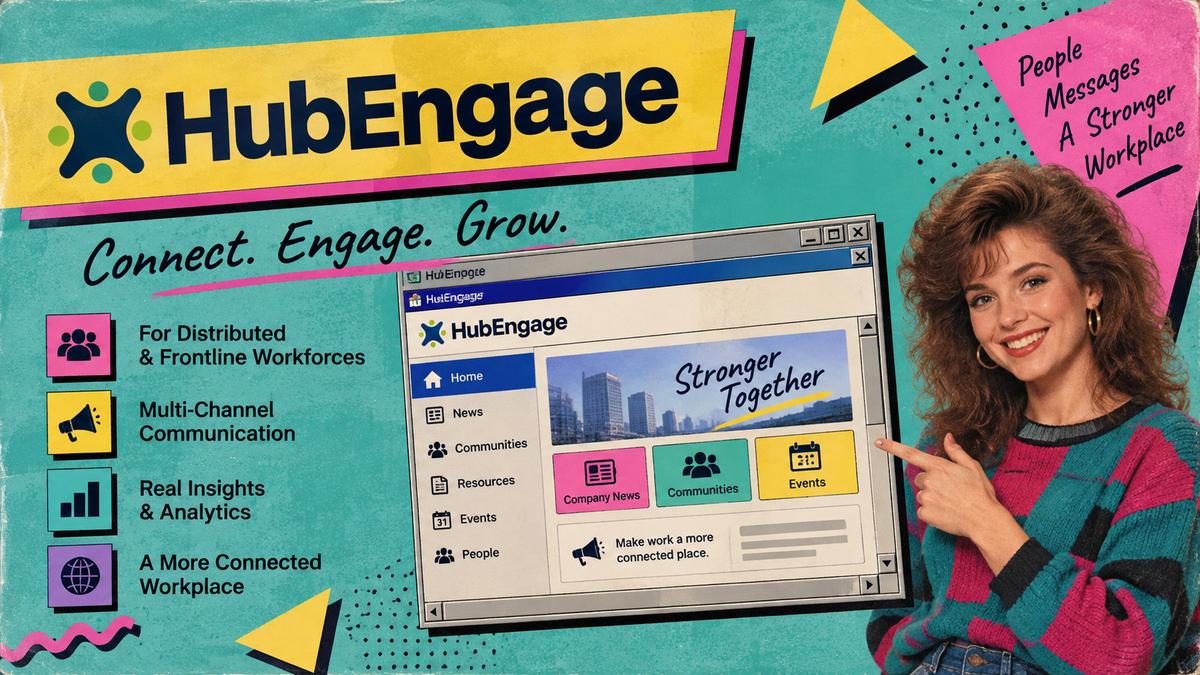
HubEngage makes the most sense when your newsletter is part of a wider communications programme rather than the entire programme.
You can build emails with templates and a drag-and-drop editor, schedule campaigns, set up recurring newsletters, and create employee groups using information such as department, location, and payroll data. HRIS, payroll, and CRM connections can also reduce the amount of manual list maintenance.
The interesting part is what happens outside email.
A company may have corporate employees living in Outlook, field staff checking a mobile app, warehouse employees seeing digital signage, and managers paying more attention to Teams or WhatsApp. HubEngage lets communications teams work across several of those channels rather than assuming one email reaches everybody equally.
That makes it particularly relevant for mixed workforces.
Strengths
- Recurring newsletter automation
- Employee segmentation
- HRIS and payroll connections
- Outlook and Gmail support
- Mobile employee communication
- SMS and messaging options
- Digital signage
- Reporting by employee group
Limitation: If all you want is a simple newsletter builder for a few emails each month, HubEngage may give you more communication infrastructure than you actually need.
Pricing: HubEngage uses custom pricing, with factors such as employee count and contract length affecting the quote. Pricing and packaging checked September 2026.
I would put HubEngage near the top of the shortlist when the real problem is employee reach, especially when a large part of the workforce is not sitting at a desk all day.
2. ContactMonkey
Best for: Communications teams that want to keep Outlook or Gmail at the centre of their workflow
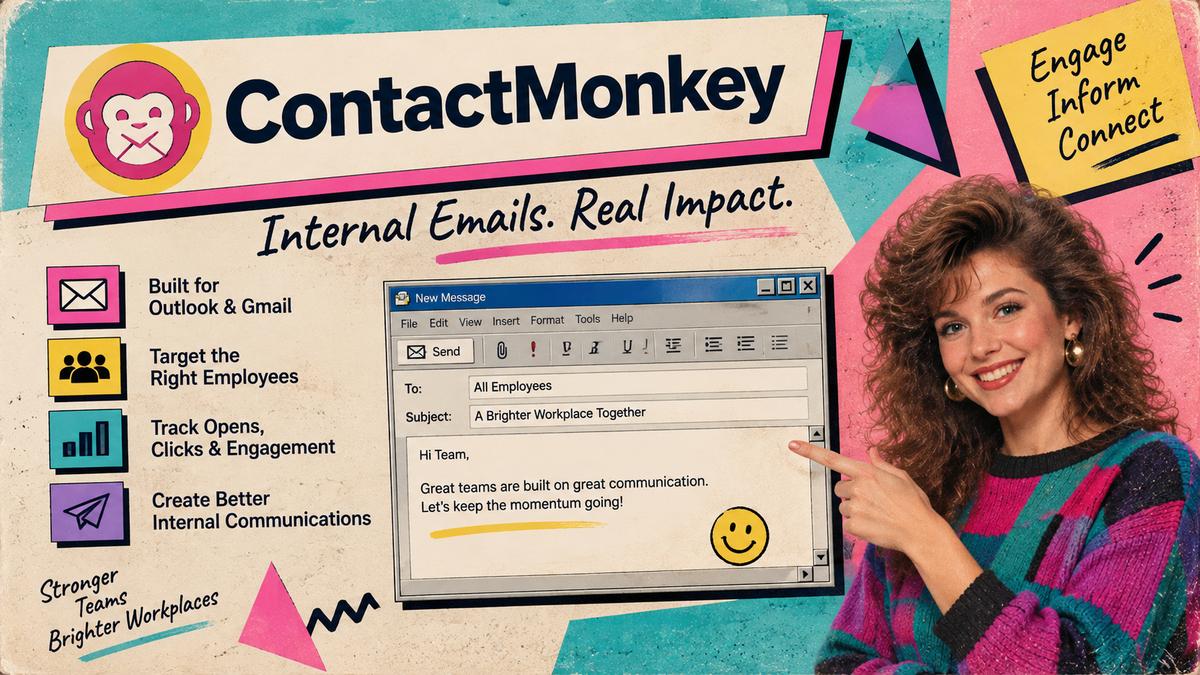
ContactMonkey takes a different approach. Rather than asking teams to move far away from email, it adds internal communications functions around a workflow employees already understand.
Teams can create branded newsletters using a drag-and-drop builder and send through Outlook or Gmail. Depending on the package, the platform can also add employee targeting, surveys, dynamic content, HRIS integrations, review controls, and more detailed reporting.
This is useful because switching software has its own cost.
A communications department may have spent years building processes around Microsoft 365. Giving them more sophisticated newsletter tools without forcing an entirely new publishing routine can be more valuable than introducing another large communications system.
ContactMonkey tracks measures such as opens, clicks, device information, and read time, with filters that can help teams compare engagement across employee groups.
Strengths
- Strong Outlook and Gmail workflow
- Drag-and-drop newsletter creation
- Employee segmentation
- Dynamic content
- Surveys and feedback
- Detailed internal email reporting
- HRIS connections
- Collaboration and review tools
Limitation: It remains an email-first product. If your main problem is reaching deskless employees through a dedicated workforce app or other channels, you may want something broader.
Pricing: ContactMonkey offers Launch, Grow, and Enterprise packages, with pricing available through a quote. Pricing and packaging checked September 2026.
For an organisation where email already reaches almost everybody, that focus can be an advantage rather than a weakness.
3. Workshop
Best for: Communications teams sending a high volume of internal emails
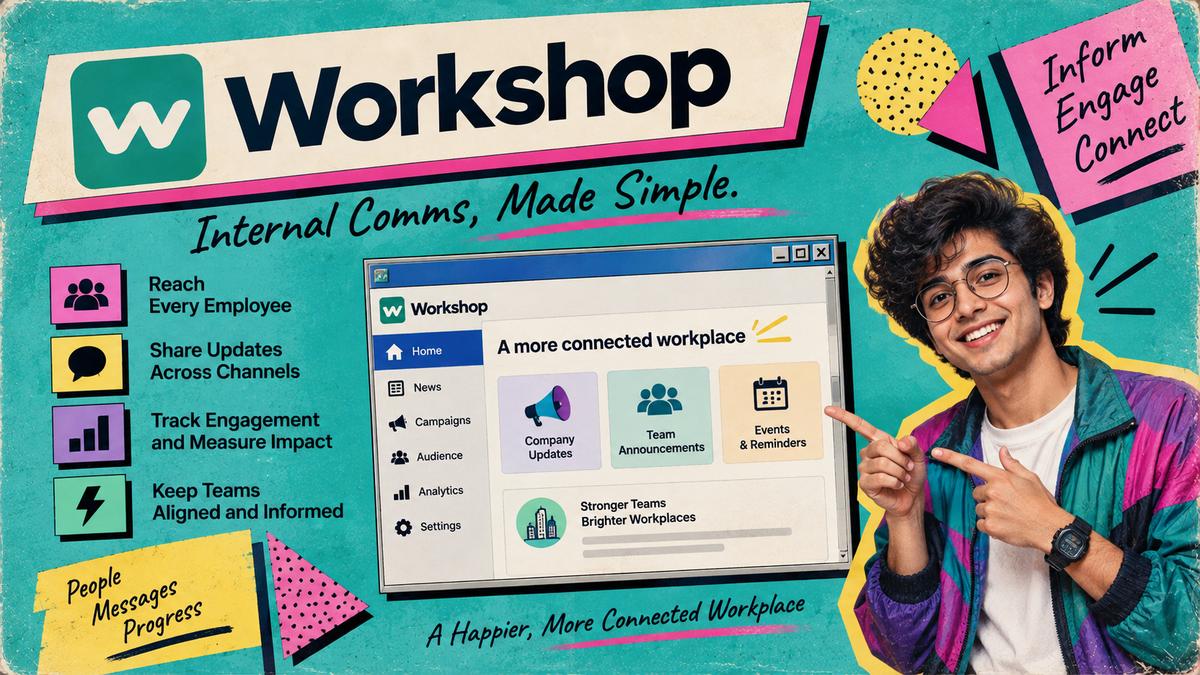
Workshop feels particularly suited to teams where producing internal communications has become a substantial operation in itself.
Its workspace covers email campaigns, templates, audience management, a communications calendar, text messaging, pages, journeys, and related tools. Current plans also include features such as scheduling and brand controls, with larger configurations adding more sophisticated segmentation, personalization, surveys, and content functions.
What catches my attention here is the operational side.
When a communications team sends occasional newsletters, Outlook folders and a spreadsheet calendar may be perfectly manageable. Once several departments are producing campaigns every week, coordination starts becoming part of the job.
Who is sending what? To whom? On which day? Is another department messaging the same group six hours earlier?
A shared communications calendar suddenly becomes much more useful than another collection of newsletter templates.
Workshop also supports integrations with systems including Active Directory, Google, and Okta and can distribute content through channels such as Slack, Teams, and SharePoint.
Strengths
- Dedicated internal email workspace
- Communications calendar
- Templates and brand controls
- Audience segmentation
- Personalization
- Opens, clicks, device and read-time reporting
- Identity and directory connections
- Teams, Slack and SharePoint distribution
Limitation: Organisations primarily shopping for an employee intranet or mobile workforce platform may find Workshop's strongest capabilities concentrated around communications production and email.
Pricing: Workshop offers Essential, Enhanced, and Premium packages, with exact pricing provided through sales. Pricing and packaging checked September 2026.
It is a strong candidate when the pain is not creating one newsletter. It is managing dozens of communications without losing control of the schedule.
4. Staffbase
Best for: Larger organisations that want employee email inside a wider communications platform
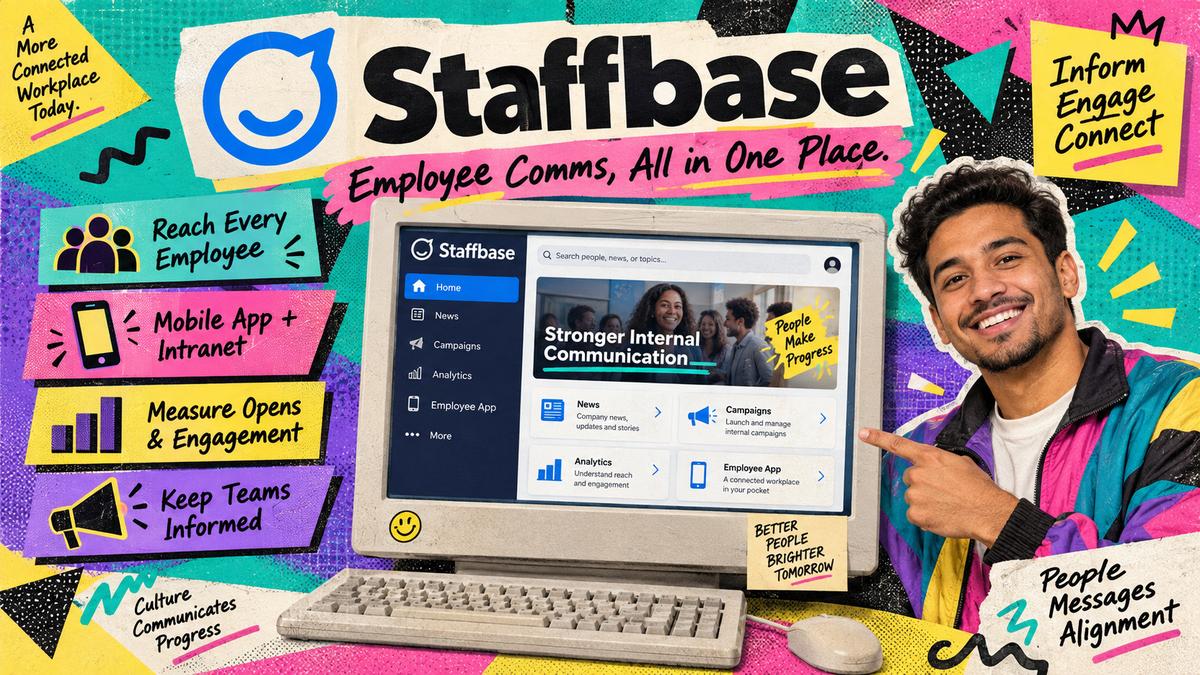
Staffbase Employee Email combines newsletter production with the broader Staffbase communications environment.
Teams can create employee emails, use tracking, and review engagement while continuing to work with Outlook and Gmail. Its email tools support individual campaign reporting as well as aggregated analytics, including open rates, click-throughs, click maps, and filtering by employee groups.
The distinction becomes clearer in a large company.
Imagine a central communications department setting the overall brand and reporting rules while separate teams in Germany, India, the US, and Singapore manage local communications. Giving everybody complete freedom creates obvious problems. Controlling every email centrally creates different problems.
Platforms such as Staffbase become more attractive when you need some independence locally but still want common templates, reporting, audience structures, and administration.
Employee email can also sit beside Staffbase's employee app and intranet products.
Strengths
- Outlook and Gmail workflows
- Newsletter design tools
- Individual and aggregated reporting
- Click maps
- Employee group filtering
- Microsoft Entra ID support
- Connection with Staffbase's wider communications products
Limitation: A smaller team needing only employee newsletters may be paying for an enterprise communications structure it does not really need.
Pricing: Staffbase uses tailored pricing based on the organisation's workforce and product requirements. Pricing and packaging checked September 2026.
Staffbase belongs on the shortlist when newsletters are part of a larger employee communications architecture rather than an isolated email project.
5. Poppulo
Best for: Large global organisations with complicated targeting and governance requirements
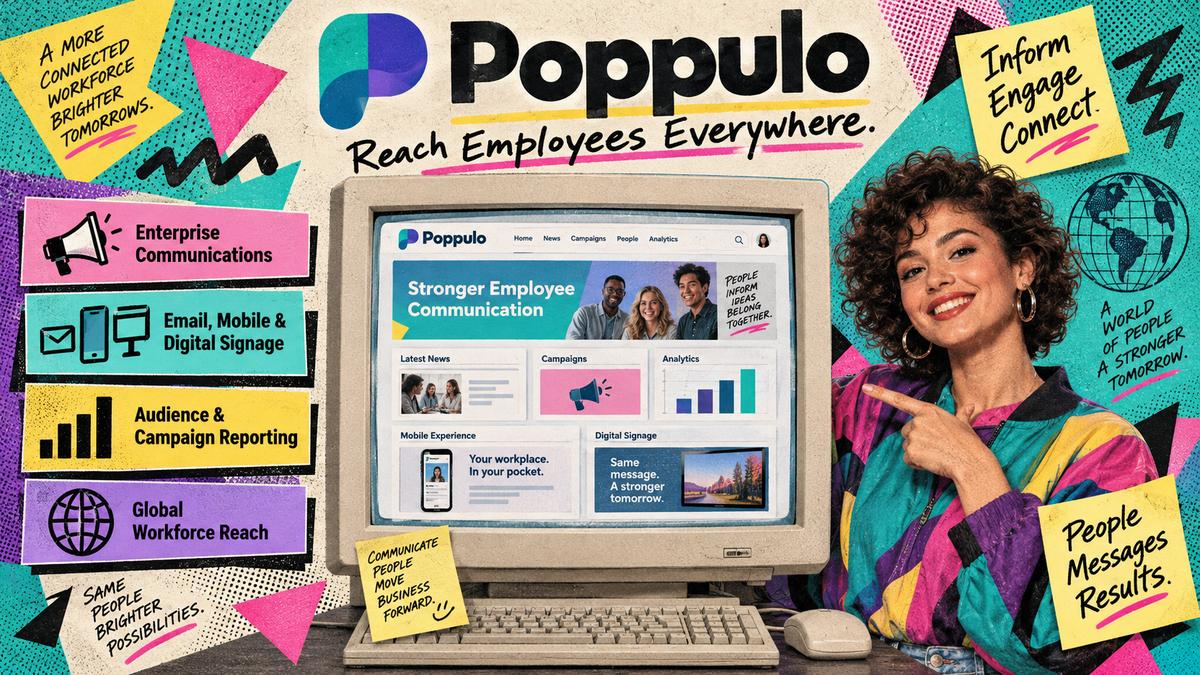
Poppulo is another platform that starts making more sense as organisational complexity increases.
Its employee communications tools include newsletter creation, branded templates, audience segmentation, dynamic content, workflow controls, analytics, and connections with employee information systems.
Dynamic content is especially useful.
Suppose you are sending one benefits newsletter to 15,000 employees. Staff in the UK need one benefits section, US employees need another, and employees in Spain should receive part of the message in Spanish.
The simplest approach is to create separate newsletters.
It is also an excellent way to create duplicated work and eventually send somebody the wrong version.
Dynamic content can use employee attributes such as role, location, business unit, or language to decide which sections individual recipients see.
Poppulo also offers governance controls, workflow automation, translation functions, analytics APIs, SMS, and connections with Microsoft Teams and SharePoint. Its documented integrations include major HR and identity systems.
Strengths
- Dynamic employee content
- Detailed audience targeting
- Enterprise approval and governance controls
- HRIS and identity integrations
- Campaign and audience reporting
- Microsoft Teams and SharePoint connections
- Support for multinational communication structures
Limitation: The same enterprise depth that makes Poppulo useful for a global organisation may make it unnecessarily complicated for a small team sending one company newsletter every month.
Pricing: Poppulo uses subscription pricing based on factors including workforce size and the products selected. Exact pricing requires a quote. Pricing and packaging checked September 2026.
Poppulo deserves serious consideration when governance and localization are bigger problems than newsletter design itself.
6. Cerkl Broadcast
Best for: Teams that want personalized employee newsletters without starting with a large enterprise contract
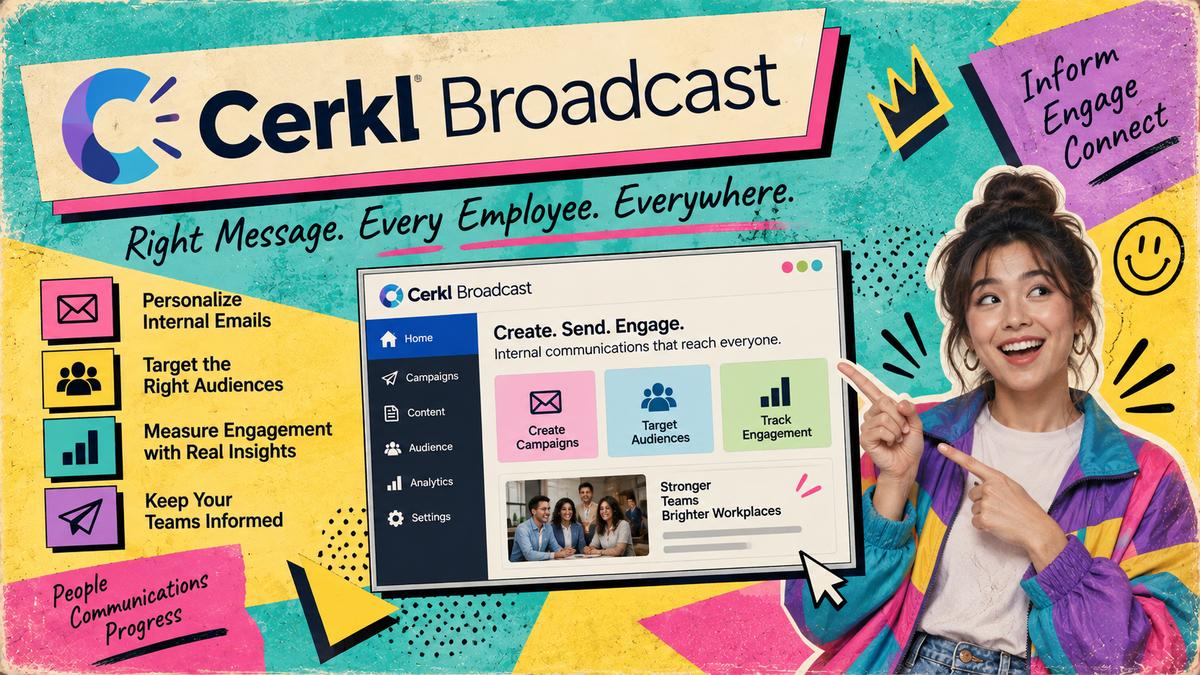
Cerkl Broadcast is interesting because it gives organisations a lower-cost way to start experimenting with dedicated employee email software.
Its Foundations plan currently includes an email builder, templates, audience management, analytics, three communicator seats, and up to 5,000 monthly email sends without a subscription fee.
Larger organisations can move into paid packages with greater sending capacity and broader communication functions.
Cerkl's wider offering places more emphasis on personalization and automated content delivery. Rather than assuming every employee should receive exactly the same newsletter, the platform can support more individualized content experiences and automated digests.
Its larger configurations can also connect communications with tools including SharePoint, Microsoft Teams, Slack, mobile apps, Outlook, and Gmail.
That makes Cerkl an unusual option in this group because a company can test part of the workflow without immediately entering an enterprise purchasing process.
Strengths
- Free starting tier
- Drag-and-drop email design
- Newsletter templates
- Audience management
- Email analytics
- Personalized content options
- Microsoft 365 and collaboration integrations
- Broader channel support on larger packages
Limitation: The more interesting personalization and multi-channel capabilities sit beyond the entry-level package, so companies should compare the paid configuration they actually need rather than judging Cerkl only by its free tier.
Pricing: Foundations currently includes up to 5,000 monthly sends. Larger Foundations+ and Omni AI packages use paid pricing based on audience size and requirements. Pricing and packaging checked September 2026.
Cerkl is worth testing when you want to prove the value of dedicated employee newsletter software before committing to a larger rollout.
How I Would Choose Between These Platforms
The short answer: Ignore polished sample companies in demos. Ask every shortlisted vendor to rebuild one newsletter your team actually sends, using your real employee groups, approvals, and messy data. Then judge which platform removes the hand work you do today around lists, permissions, channels, and reporting.
Product demonstrations can become strangely detached from normal work.
You see the perfect dashboard, the perfectly segmented sample company, and the perfectly formatted newsletter sent to employees called things like Alex Demo and Jennifer Sample.
Then you buy the software and discover that your employee data has four different spellings for the same department.
A better buying process uses your own mess.
Ask every shortlisted vendor to demonstrate the same real situations.
Start with where employees actually read messages
If almost everyone works at a desk and checks Outlook daily, an email-focused product such as ContactMonkey or Workshop may be enough.
If 60% of your workforce works in stores, warehouses, hospitals, factories, or the field, email features alone tell you very little.
That is where the broader channel options available through platforms such as HubEngage, Staffbase, Poppulo, and Cerkl become more relevant.
Test real employee segments
Do not ask, "Can we segment employees?"
Almost every vendor will say yes.
Ask them to create groups such as:
- All employees in Chicago
- Northeast store managers
- Finance employees in the United States
- Employees hired during the past 30 days
- Spanish-speaking frontline staff
Then ask what happens when somebody changes role, location, manager, or department.
The answer tells you far more about the administrative burden you will inherit.
Look at permissions before newsletter designs
Large organisations often have several people sending internal communications.
Corporate communications may manage company-wide campaigns. HR sends benefits information. Country teams publish local updates. Managers may need access to specific groups.
Ask exactly who can create, edit, approve, send, and view reports.
Template locking, permissions, approval workflows, and brand controls are rarely exciting during a demonstration. Six months later, they can be some of the most important features in the system.
Ask what still has to be done manually
This is probably the question I would care about most.
Which employee lists still need updating by hand?
Which data requires CSV uploads?
Which communications have to be recreated for another channel?
Which reports need exporting and combining?
Which integrations cost extra?
Software becomes valuable when it removes recurring work. A longer feature list does not guarantee that.
A Simple Internal Newsletter Fit Framework
You can make the comparison less subjective by scoring each shortlisted platform from 1 to 5 across six areas.
At a glance (sync-safe):
- Area: Reach | Question: Can the system reach office, remote, and frontline employees through channels they genuinely use?
- Area: Relevance | Question: Can you target different groups without creating several almost-identical newsletters?
- Area: Production | Question: Can communicators build, review, and send newsletters without routine support from designers or IT?
- Area: Measurement | Question: Can you measure actions that actually tell you whether the communication worked?
- Area: Administration | Question: Can employee data, lists, permissions, and templates stay current without continual manual work?
- Area: Cost fit | Question: Does the annual cost make sense for your employee count and communication requirements?
Do not automatically choose the platform with the highest raw score.
Weight the categories first.
If 70% of your employees rarely use company email, Reach should probably matter more than having the nicest newsletter editor.
If every employee sits inside Microsoft 365, the calculation may be completely different.
Internal Newsletter Software vs. Email Marketing Software
It is tempting to use a marketing email platform for employee newsletters because many of them have excellent editors and analytics.
For a small organisation, that may work perfectly well.
Problems tend to appear as the workforce and communication structure become more complicated.
Internal communications teams often need to manage:
- Employee directories
- HRIS synchronization
- Mandatory communications
- Department and location targeting
- Internal permissions
- Frontline access
- Organizational reporting
- Microsoft 365 workflows
- Employee-specific personalization
Marketing software was generally designed around external subscribers and customers rather than an organisational structure.
That does not make one type of software better. It means they are solving different administrative problems.
How Should You Measure Employee Newsletter Engagement?
The short answer: Do not over-weight open rate. Start with the action the communication was supposed to create, then track deliveries, clicks, story interest, group differences, surveys, acknowledgements, or completion rates as the purpose requires. Judge patterns across several campaigns, not one send.
Open rate is probably the first number people look at.
It is also easy to give it too much importance.
Email privacy features, security systems, image loading, and other technical factors can make opens less reliable than they appear.
Instead, start with the action the communication was supposed to create.
For a weekly company newsletter, you might track:
- Successful deliveries
- Available open data
- Click-through rate
- Most-clicked stories
- Engagement by location or department
- Survey responses
For a benefits enrollment announcement, the most useful measure might be the number of employees who reach the enrollment page and complete the required form.
For a policy update, an acknowledgement may matter more.
For a new office initiative, survey responses could be more informative than clicks.
The metric should follow the purpose of the communication.
I would also avoid judging a newsletter based on one send. Subject matter, timing, audience size, holidays, security systems, and the importance of the message can all change the numbers considerably.
Look for patterns across several campaigns.
Frequently Asked Questions
What is the best internal newsletter software?
There is no universal winner. HubEngage is a strong option when email needs to work alongside mobile, SMS, messaging, and other employee channels. ContactMonkey and Workshop suit email-heavy communications teams. Staffbase and Poppulo make more sense for larger organisations needing stronger enterprise administration and governance. Cerkl Broadcast provides a more accessible entry point with its free employee email tier.
What features should internal newsletter software include?
At minimum, look for an easy newsletter editor, reusable templates, employee segmentation, scheduling, analytics, permissions, and employee data synchronization. If you employ frontline or deskless workers, also evaluate mobile apps, SMS, Microsoft Teams, Slack, WhatsApp, or digital signage depending on how your employees receive information.
Can employee newsletter software work with Outlook?
Yes. Several platforms here support Outlook or wider Microsoft 365 environments, although the exact workflow differs by product and plan. If Outlook is central to your organisation, ask the vendor to demonstrate the entire process using Outlook rather than showing only its own web application.
How much does internal newsletter software cost?
There is no useful industry-wide figure because pricing can depend on employee numbers, products, communication channels, integrations, implementation, and support. HubEngage, ContactMonkey, Workshop, Staffbase, and Poppulo generally require custom quotes for the products discussed here. Cerkl offers a free Foundations package with limited monthly email volume and paid options for larger requirements. Pricing and packaging checked September 2026.
Do we need dedicated newsletter software?
Possibly not. If your workforce is small, employee information changes rarely, everyone uses the same email system, and basic reporting is enough, Outlook or Gmail may continue to work fine. Dedicated software becomes easier to justify when you repeatedly spend time maintaining lists, creating several versions of the same message, managing approvals, combining reporting, or trying to reach people outside email.
Conclusion
The short answer: Choose by the work around the newsletter, not by editor polish. HubEngage for reach beyond email; ContactMonkey and Workshop for inbox-centred teams; Staffbase and Poppulo as governance and organisational complexity rise; Cerkl when you want to start smaller and explore personalization. Rebuild one real newsletter in every demo before you buy.
Choosing internal newsletter software gets easier when you stop comparing newsletter editors and start looking at the work surrounding the newsletter.
HubEngage makes sense when employee reach extends well beyond email. ContactMonkey and Workshop are more focused choices for teams whose communications still revolve around the inbox. Staffbase and Poppulo become more attractive as governance, localization, and organisational complexity increase. Cerkl gives teams another path, particularly when they want to start smaller and explore personalization over time.
Before signing anything, take one newsletter your team actually sends today and ask each vendor to rebuild it.
Use your real employee groups. Add your real approval process. Ask them to show how the data stays current and how the results appear after the send.
You will probably learn more in that hour than you will from another 40-page feature comparison.
Because the real test of internal newsletter software is fairly ordinary: after the demo ends, does your team's weekly work become simpler?
Pricing and packaging checked September 2026.
Disclosure
HAKKEN is published by Nakama. HubEngage is a Nakama client. Rankings follow the buyer-fit criteria in the article.
Sources and Methodology
Product capabilities and packaging were checked against public vendor materials in September 2026. Enterprise pricing is quote-based and can change by workforce size, channels, and contract. Treat this as a shortlist for demos, not a fixed price list.